How to Unarchive an Instagram Post
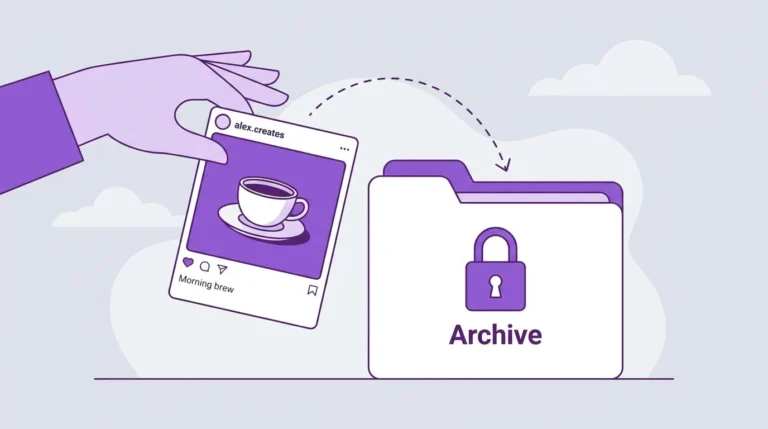
If you previously archived an Instagram post and want to make it public again, you can restore it to your profile in a few steps. The post returns to your grid exactly as it was, including its original caption, likes, and comments.
What Happens When You Unarchive a Post
When you restore an archived post:
- It reappears on your public profile grid
- It is placed according to its original posting date, not the date you restored it
- All likes, comments, and saves on the post return with it
- Your followers can see it again
The unarchiving process is immediate and does not require any additional confirmation.
How to Unarchive an Instagram Post on Mobile
Steps:
- Open the Instagram app
- Go to your profile
- Tap the three-line menu in the top right corner
- Select Archive
- Tap the dropdown at the top of the screen and select Posts Archive
- Find the post you want to restore
- Tap the post to open it
- Tap the three-dot menu (⋯) in the top right corner
- Select Show on Profile
The post is immediately restored to your public profile grid.
How to Unarchive an Instagram Post on Desktop
Steps:
- Go to instagram.com and log in
- Click your profile picture to go to your profile
- Click the three-line menu icon
- Select Archive
- Switch the view to Posts Archive using the dropdown
- Click the post you want to restore
- Click the three-dot menu
- Select Show on Profile
Frequently Asked Questions
Will my followers be notified when I restore an archived post?
No. Instagram does not send notifications when you unarchive a post. It simply reappears on your profile grid without any announcement.
Where will a restored post appear on my profile grid?
The post returns to its original position on your grid based on when it was first published. It does not move to the top of your profile as a new post would.
Can I unarchive all my posts at once?
No. Instagram requires you to restore posts individually. There is no bulk unarchive option available.
What if I cannot find a post in my archive?
If a post is not in your archive, it may have been deleted rather than archived. Deleted posts cannot be recovered. See our guide on How to Delete an Instagram Post for more information.
Does unarchiving a post reset its engagement?
No. All original likes, comments, and saves are preserved and reappear with the post when it is restored.
Conclusion
Unarchiving an Instagram post restores everything exactly as it was before you archived it. The process takes less than a minute through either the mobile app or the desktop browser. If you want to hide a post again in the future, you can re-archive it at any time using the same three-dot menu on the post.
For a full overview of post management, visit our Complete Guide to Instagram Posts.