Complete Instagram Reels Guide
The Complete Instagram Reels Guide is designed to help you understand every aspect of creating, publishing, and optimizing Reels for maximum reach and engagement. Instagram Reels are short vertical videos that appear on your profile, in your followers’ feeds, and on the Instagram Explore page. Since their introduction, Reels have become the platform’s highest-reach content format, giving accounts of every size the opportunity to reach people who have never interacted with their content before.
Whether you are a creator, business owner, marketer, or brand, understanding how Reels work can significantly improve your visibility and audience growth. From choosing the right video dimensions and editing techniques to posting at the best times and understanding how the Instagram algorithm ranks content, every detail can influence your results.
This Complete Instagram Reels Guide covers everything you need to know, including how to post Reels, recommended video sizes and aspect ratios, music and audio options, captions, hashtags, scheduling, algorithm insights, and proven best practices to help your content perform consistently and reach a larger audience.
What Are Instagram Reels?
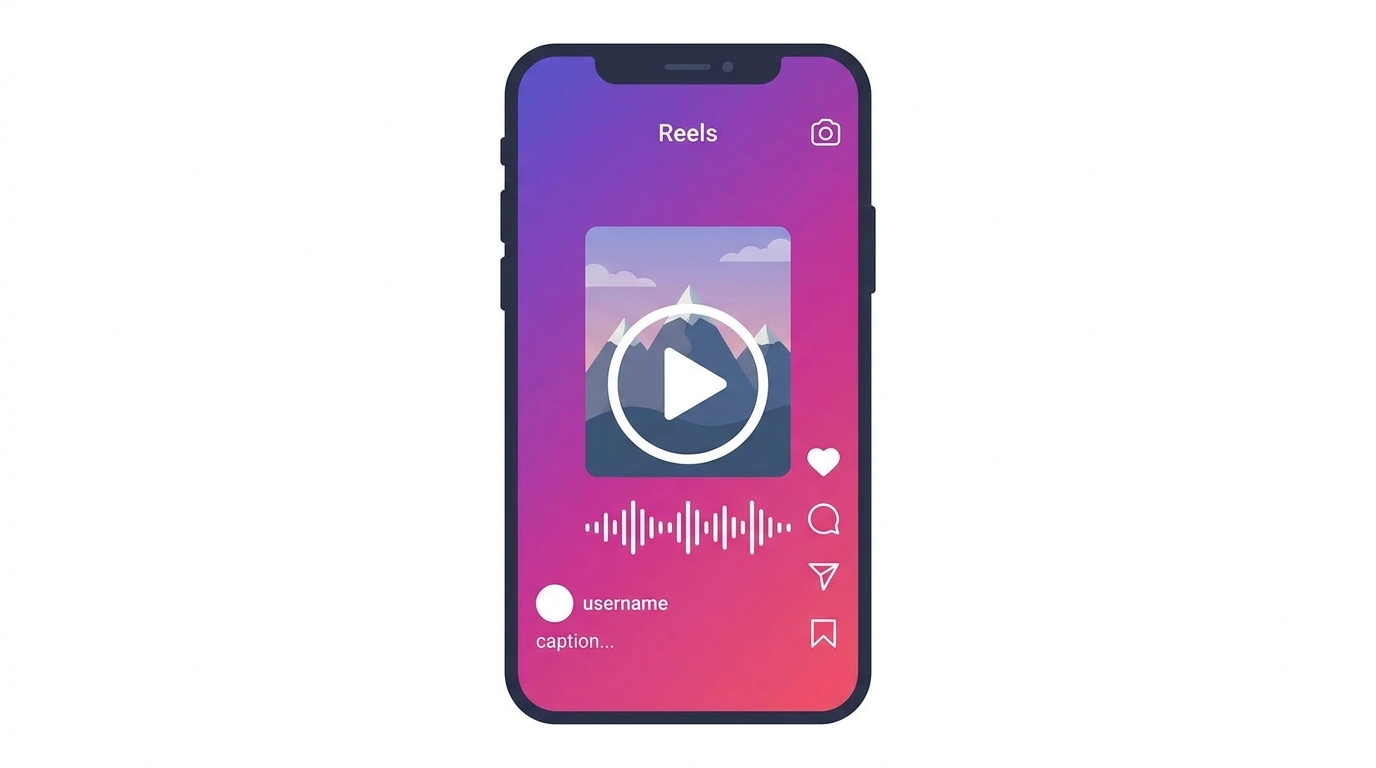
Instagram Reels are vertical short-form videos up to 90 seconds long. They play in full-screen format and support audio, text overlays, stickers, effects, and transitions.
Unlike Stories, Reels do not disappear after 24 hours. Once posted, a Reel stays on your profile permanently. Reels also appear on the Explore page and in the dedicated Reels tab, which means they reach users beyond your existing followers.
Instagram Reels vs Stories vs Feed Videos
| Format | Duration | Visibility | Disappears |
|---|---|---|---|
| Reels | Up to 90 seconds | Feed, Explore, Reels tab, Profile | No |
| Stories | Up to 60 seconds per clip | Followers only | After 24 hours |
| Feed Videos | Up to 60 minutes | Feed, Profile | No |
Reels offer the broadest organic reach of all three formats because of their presence on Explore and the Reels discovery tab.
How to Post Instagram Reels
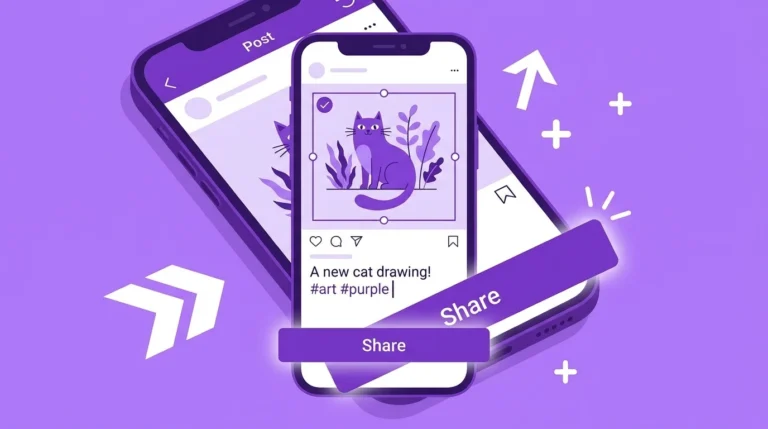
Posting a reel takes only a few steps. Open the Instagram app, tap the plus icon, select Reel, choose a video from your camera roll or record directly in the app, add audio and effects, write a caption, select a cover photo, and tap Share.
For a complete step-by-step walkthrough, including caption tips and sharing settings, see our guide on How to Post Reels on Instagram.
Best Time to Post Instagram Reels
Posting at the right time increases early engagement, which signals to the algorithm that your content deserves wider distribution. The best posting time depends on when your specific audience is most active data you can find directly in your Instagram Insights under the Audience tab.
For a full breakdown of optimal posting windows and how to use your Insights data, see our guide on Best Time to Post Reels on Instagram.
Instagram Reels Upload Issues
Reels sometimes fail to upload due to a poor internet connection, an unsupported video format, an oversized file, or an outdated app version. Most upload problems are resolved by checking your connection, confirming your video is in MP4 format, and updating the Instagram app.
For a complete troubleshooting guide covering every common upload error, see our article on Instagram Reels Upload Issues.
Instagram Reels Quality
Reels go through automatic compression on upload. To minimize quality loss, export your video at 1080 x 1920 px in MP4 format, enable the Upload at Highest Quality setting in Instagram, and always upload on a stable Wi-Fi connection.
For detailed export settings and quality improvement tips, see our guide on Instagram Reels Quality.
Instagram Reels Music
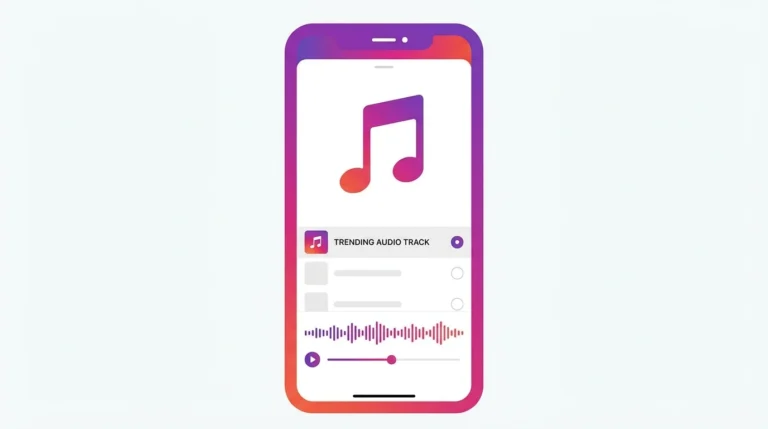
Music is one of the most powerful tools available for Reels. Using trending audio tracks can help your Reel surface in discovery feeds for users who have previously engaged with that sound. Instagram provides a built-in audio library with thousands of tracks and sound effects available for personal and creator accounts.
For full instructions on adding music, finding trending audio, and understanding music restrictions for business accounts, see our guide on Instagram Reels Music.
Instagram Reels Cover Photo
The cover photo is the thumbnail that represents your Reel on your profile grid. Instagram selects a frame automatically, but you can choose a different frame or upload a custom image. A clear, well-composed cover photo makes your profile grid look intentional and can improve how often users tap on your Reels.
For step-by-step instructions on setting and changing your Reel cover photo, see our guide on Instagram Reels Cover Photo.
Instagram Reels Dimensions
Reels use a full-screen vertical format at 1080 x 1920 pixels with a 9:16 aspect ratio. Keeping important content within the center safe zone of the frame prevents it from being hidden behind Instagram’s UI overlays.
For complete dimension specifications and safe zone guidance, see our guide on Instagram Reels Dimensions.
Instagram Reels Algorithm
The Reels algorithm distributes content based on watch time, replays, shares, saves, and comments. Reels that hold viewer attention from the first second and generate strong early engagement get pushed to a wider audience through the Explore page and the Reels tab.
For a full explanation of how the algorithm works and how to create content that earns wider distribution, see our guide on the Instagram Reels algorithm.
Instagram Reels Tips
Small adjustments to how you create and publish Reels can make a meaningful difference in how they perform. Hooking the viewer in the first two seconds, using trending audio, adding captions, and posting consistently are among the most effective tactics for improving Reel reach and engagement.
For a practical list of actionable Reels tips, see our guide on Instagram Reels Tips.
Instagram Reels Best Practices
Following established best practices gives your Reels the best possible foundation for performance. This includes recording in the correct format, writing strong captions, using relevant hashtags, engaging with comments, and reviewing your analytics to understand what is working.
For a complete guide to Reels best practices, see our article on Instagram Reels Best Practices.
Frequently Asked Questions
How long can an Instagram Reel be?
Instagram Reels can be up to 90 seconds long. Shorter Reels between 15 and 30 seconds tend to hold viewer attention more consistently and often perform well with the algorithm.
Do Instagram Reels reach non-followers?
Yes. Reels appear on the Explore page and in the Reels tab for users who do not follow you. This makes Reels the best Instagram format for reaching new audiences organically.
Can I post a Reel from a desktop computer?
Yes. You can upload Reels through instagram.com on a desktop browser, though some in-app editing features such as audio from the Instagram library and effects are only available in the mobile app.
Does posting Reels affect my regular feed posts?
No. Reels and feed posts are managed independently. Posting Reels does not reduce the reach or performance of your standard photo or video posts.
Can I edit a reel after posting it?
You can edit the caption and cover photo after posting. The video itself cannot be changed after publishing you would need to delete and repost to change the video content.
Conclusion
Instagram Reels give you the broadest organic reach of any content format on the platform. Understanding how to post, optimize, and consistently improve your Reels gives you a real advantage whether you are growing a personal account or a brand presence.
Use this guide as your starting point and refer to the individual articles in this cluster for detailed instructions on every topic covered here.