Instagram Landscape Posts: Size, Ratio, and When to Use Them
Instagram landscape posts are horizontal-format images that are wider than they are tall. Instagram supports landscape posts in the feed, but they appear noticeably smaller than square or portrait posts. Understanding when to use Instagram landscape posts helps you showcase wide scenes, group photos, and panoramic images while maintaining the best possible visual impact in your feed.
Instagram Landscape Post Size
| Specification | Value |
|---|---|
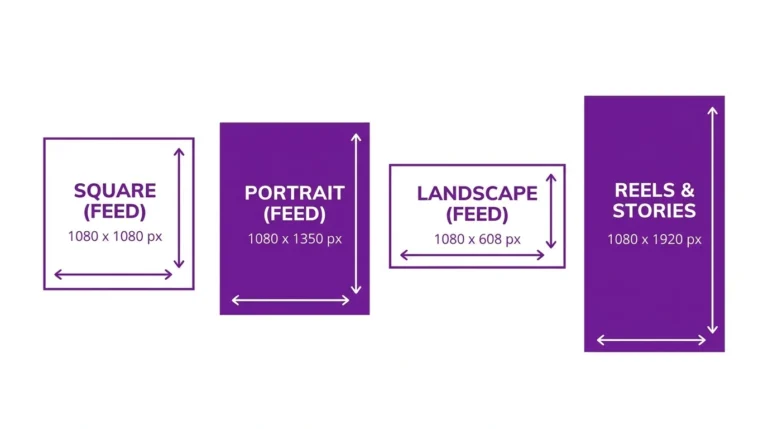
| Dimensions | 1080 x 566 px |
| Aspect Ratio | 1.91:1 |
| Orientation | Horizontal |
This is the widest format Instagram supports for standard feed posts. Images wider than the 1.91:1 ratio will be cropped to fit.
How Landscape Posts Display on Instagram
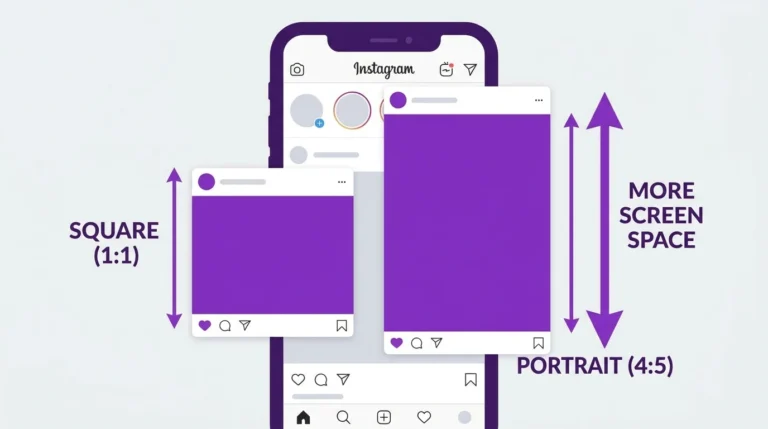
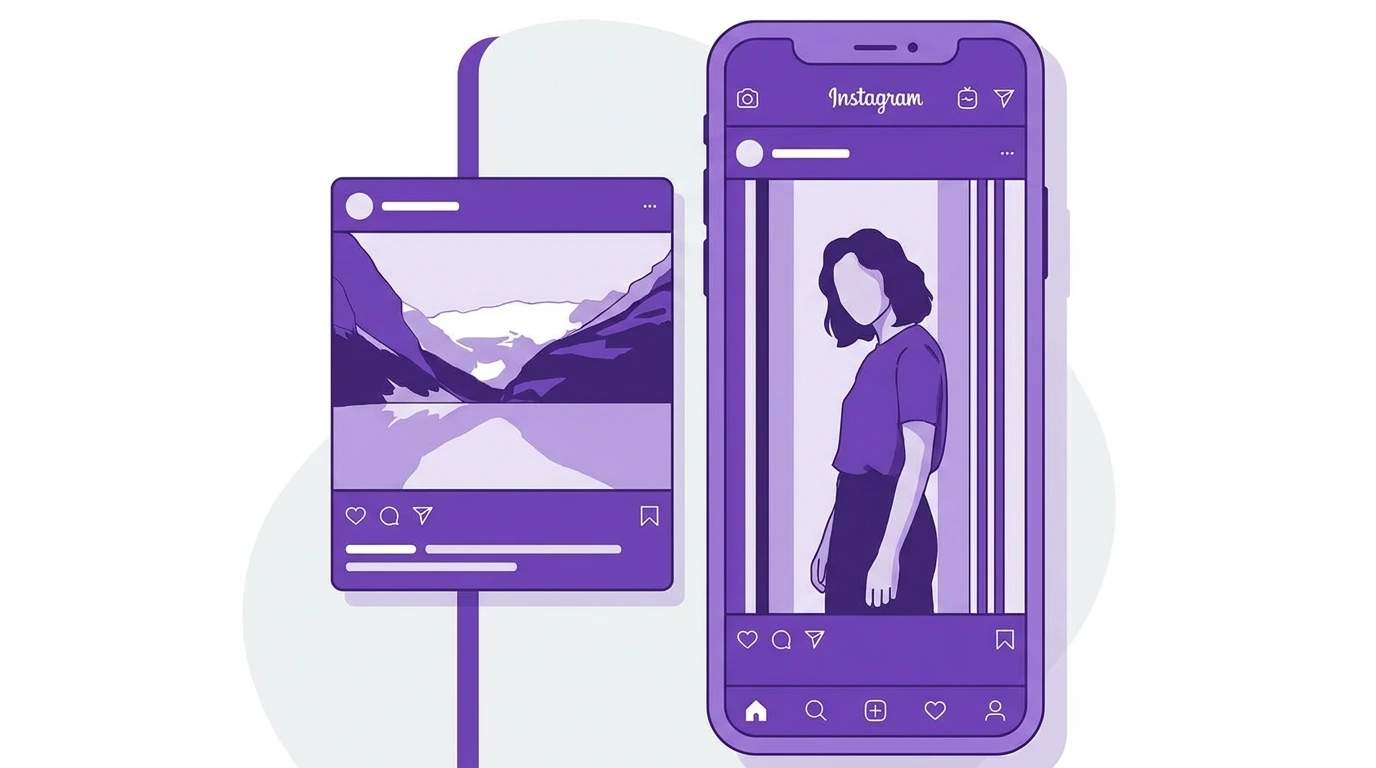
On the feed, landscape posts appear shorter than square or portrait posts. Because they are wide and short, they take up less vertical space on the screen. This means users spend less time viewing them as they scroll compared to portrait posts.
On the profile grid, landscape posts display as square thumbnails like all other post formats. The sides of a landscape image are cropped for the grid thumbnail, showing only the center portion.
When to Use Landscape Format on Instagram
Landscape is not the best default format for Instagram feed posts because of its smaller display area. However, it is the right choice in specific situations:
- Wide-angle photography Architectural shots, cityscapes, and scenery that lose impact when cropped to square or portrait
- Group photos Large groups of people that cannot be framed well in a vertical or square format
- Panoramic content images specifically shot in panoramic style
- Screenshot content Certain types of data, charts, or screenshots that are naturally horizontal
For most other content types, portrait (4:5) or square (1:1) will perform better on the feed.
Landscape vs Portrait vs Square
| Format | Ratio | Feed Size | Grid Appearance |
|---|---|---|---|
| Landscape | 1.91:1 | Smallest | Center cropped to square |
| Square | 1:1 | Medium | Full image visible |
| Portrait | 4:5 | Largest | Center cropped to square |
Tips for Landscape Posts on Instagram
- Center your main subject horizontally so it remains visible in the grid thumbnail crop
- Make sure important elements are not placed near the top or bottom edge of a landscape image, as these may appear cut off on some feeds
- Use landscape only when the horizontal frame is genuinely necessary for the content, not simply because the photo was taken in landscape orientation
Frequently Asked Questions
Can I post a 16:9 landscape video to my Instagram feed?
Yes, but Instagram will crop it to 1.91:1. Some content from the sides of the frame may be cut off. For better results, reformat your video to 1:1 or 4:5 before posting.
Is landscape the worst format for Instagram engagement?
Landscape posts generally receive less feed exposure because they occupy less screen space. They are not necessarily bad for engagement, but portrait and square formats give your content more visual presence on the feed.
How does a landscape post look on the profile grid?
Instagram crops landscape posts to a square center thumbnail on the grid. This means the left and right portions of your landscape image will not be visible in the grid view.
What is the maximum landscape ratio Instagram supports?
Instagram supports a maximum width ratio of 1.91:1 for feed posts. Images wider than this ratio will be cropped to 1.91:1 on upload.
Should I avoid landscape posts entirely on Instagram?
Not necessarily. When your content genuinely requires a wide horizontal frame, landscape is appropriate. Just be aware of its smaller feed presence compared to square and portrait.
Conclusion
Instagram landscape posts work best for wide-angle photography, group shots, and panoramic content where the horizontal frame is essential. For most other content, portrait (4:5) or square (1:1) will give your posts more visibility on the feed.
For complete Instagram size and dimension specifications, visit our Instagram Image & Post Size Guide.