Instagram Reels Music: How to Add and Use Audio on Reels
Music on Instagram Reels does more than add atmosphere to your video. The right audio track can significantly increase how many people discover your content. Instagram Reels music works as a discovery signal users who interact with a particular sound are shown other Reels using that same audio, which means trending tracks can bring your content in front of entirely new audiences.
How to Add Music to a Reel
Steps:
- Open the Instagram app and tap the + icon
- Select Reel
- Choose your video from the camera roll or record in the app
- Tap the music note icon on the left side of the screen
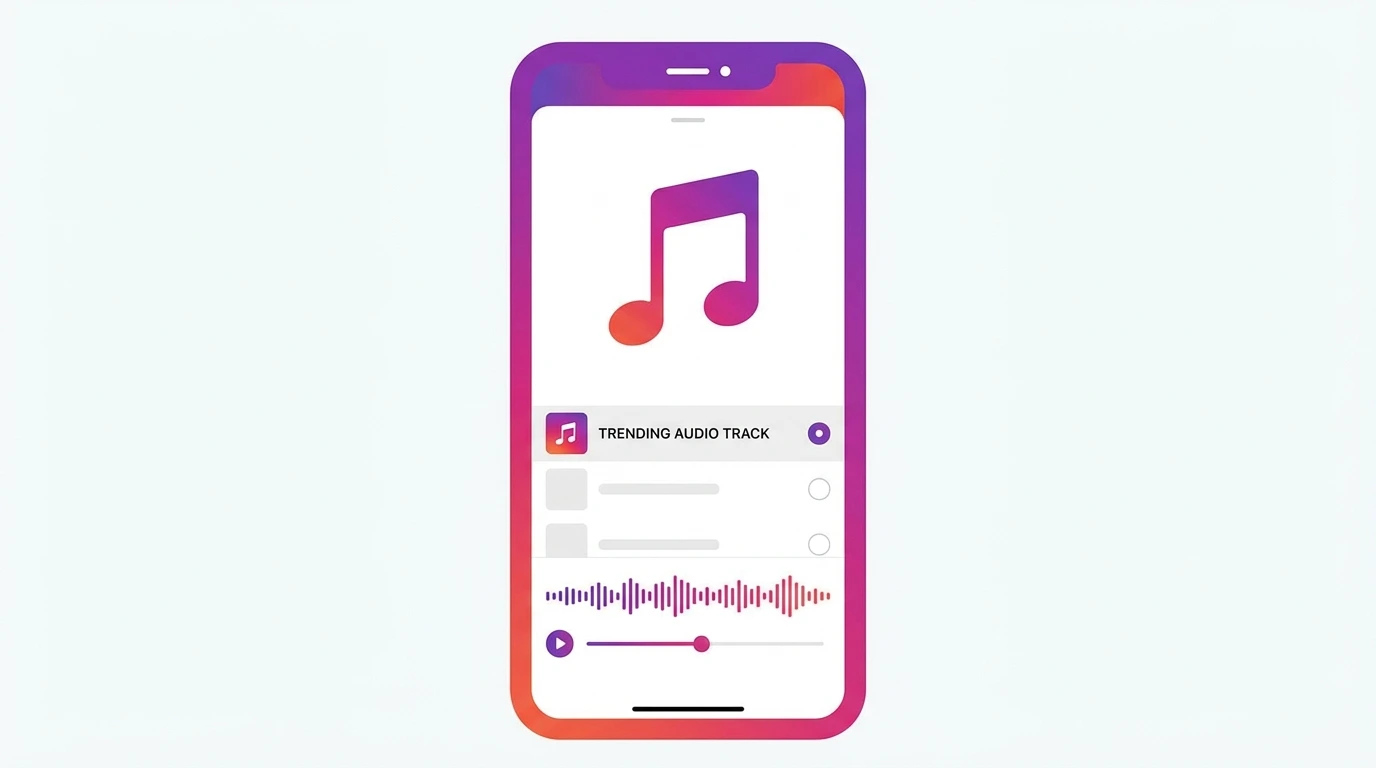
- Search for a specific song or browse by genre, mood, or trending tracks
- Tap the track you want to use
- Use the waveform slider to choose which part of the song plays during your reel
- Adjust the volume balance between the music and your original audio using the volume slider
- Tap Done and continue editing your Reel
How to Use Trending Audio on Instagram Reels
Trending audio is one of the most effective tools for increasing Reel reach. When a sound is trending, Instagram actively promotes Reels that use it across the Reels tab and Explore page.
How to find trending audio:
- Scroll through the Reels tab and look for audio tracks with an upward arrow icon next to the sound name this indicates the audio is currently trending
- Tap the audio name on any reel to see how many reels use that sound and save it for later
- Browse the Instagram audio library and filter by trending
To save an audio track for later:
- Tap the audio name at the bottom of any reel
- Tap the bookmark icon to save it to your audio collection
- Access saved audio in the music library under Saved
How to Use Original Audio on Reels
Original audio is any sound you create yourself, a voiceover, original music, ambient sound, or any audio recorded during filming.
When you post a Reel with original audio, Instagram creates a dedicated audio page for that sound. Other users can then use your audio in their own Reels, which can drive additional traffic back to your content.
To record a voiceover on your Reel:
- After recording or uploading your video, tap the voiceover icon in the editing toolbar
- Tap the record button and speak clearly
- Adjust the voiceover volume relative to other audio in your reel
- Tap Done
Music Restrictions for Business Accounts
Instagram applies different music rules depending on account type due to music licensing agreements.
| Account Type | Music Access |
|---|---|
| Personal | Full Instagram audio library |
| Creator | Full Instagram audio library |
| Business | Commercial music library only |
Business accounts cannot use the full music library available to personal and creator accounts. They have access to the Instagram Commercial Music Library, which contains tracks licensed for business use.
If music access is important for your content strategy, consider switching to a creator account, which gives you full audio library access while retaining professional features.
Frequently Asked Questions
Why can I not add music to my Instagram Reel?
If you are using a business account, your music access is limited to the commercial music library. If you are on a personal or creator account and still cannot add music, check that your app is updated and that you are connected to the internet.
Does using trending audio on Reels increase reach?
Yes. Instagram promotes Reels that use trending sounds across the Reels tab and Explore page. Using trending audio gives your content additional discovery opportunities beyond your existing followers.
Can I use copyrighted music on Instagram Reels?
Instagram has licensing agreements with many major music labels, which allows personal and creator accounts to use a wide range of popular music. However, using music outside the licensed library can result in your audio being muted or your Reel being removed.
Can other users use my original audio?
Yes. When you post a Reel with original audio and your account is public, other users can use that sound in their own Reels. You can turn this off in your settings if you prefer to keep your audio private.
How do I adjust the volume of music in my Reel?
After selecting your audio track, tap the volume icon in the editing toolbar. This opens a slider that lets you balance the music volume against your original video audio.
Conclusion
Music is one of the most effective tools for increasing the reach of your Instagram Reels. Use trending audio when it fits your content, save sounds you want to use later, and keep in mind that business accounts have restricted music access compared to personal and creator accounts.
For a complete overview of Instagram Reels, visit our Complete Instagram Reels Guide.