Instagram Post Dimensions: Complete Size Reference
Instagram post dimensions define the width and height of your image or video in pixels. Getting these right ensures Instagram displays your content correctly without cropping, stretching, or compressing it beyond what the platform normally applies to all uploads.
Feed Post Dimensions
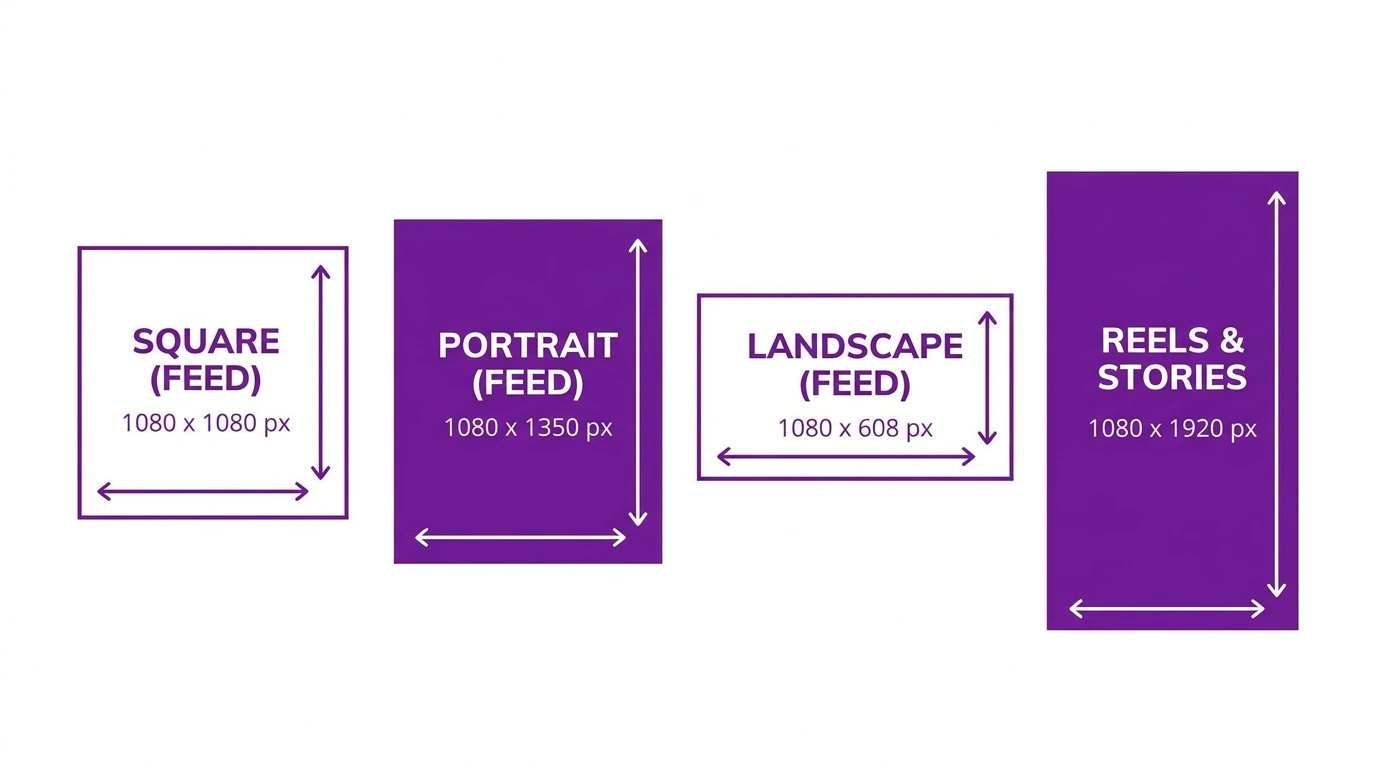
These dimensions apply to standard photo and video posts that appear on your Instagram profile grid and in your followers’ feeds.
| Format | Width | Height | Aspect Ratio |
|---|---|---|---|
| Square | 1080 px | 1080 px | 1:1 |
| Portrait | 1080 px | 1350 px | 4:5 |
| Landscape | 1080 px | 566 px | 1.91:1 |
Carousel Post Dimensions
Carousel posts follow the same dimension rules as standard feed posts. All slides must share the same aspect ratio.
| Format | Width | Height | Aspect Ratio |
|---|---|---|---|
| Square carousel | 1080 px | 1080 px | 1:1 |
| Portrait carousel | 1080 px | 1350 px | 4:5 |
Instagram Reels Dimensions
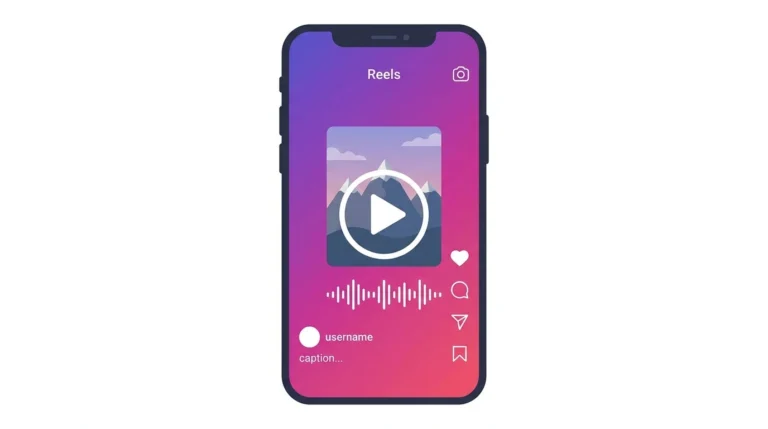
Reels use a vertical full-screen format.
| Specification | Value |
|---|---|
| Width | 1080 px |
| Height | 1920 px |
| Aspect Ratio | 9:16 |
Keep important content faces, text, and key visual elements within the center safe zone of the frame. The top and bottom of Reels are partially covered by the UI overlay on some devices.
Instagram Stories Dimensions
Stories use the same vertical format as Reels.
| Specification | Value |
|---|---|
| Width | 1080 px |
| Height | 1920 px |
| Aspect Ratio | 9:16 |
Safe Zone for Instagram Content
When designing Reels and Stories, keep critical content within the central safe zone of the frame, approximately 1080 x 1420 pixels, centered vertically. Text or graphics placed too close to the top or bottom edge may be hidden behind Instagram’s UI elements such as the username, caption, and action buttons.
What Happens If You Use the Wrong Dimensions
- Too wide or too tall: Instagram crops the image to the nearest supported aspect ratio
- Too small: Instagram stretches the image, which reduces sharpness
- Wrong aspect ratio: Instagram forces a crop that may remove important parts of your image
- Correct dimensions: Instagram displays the image exactly as designed
Frequently Asked Questions
What is the maximum width Instagram will display a post?
Instagram displays feed posts at a maximum width of 1080 pixels on most screens. Uploading at exactly 1080 pixels wide gives the best results.
Can I upload a vertical photo to Instagram without it being cropped?
Yes. Upload your photo at 1080 x 1350 px (4:5 ratio). This is the tallest portrait format Instagram supports for feed posts. Taller images will be cropped.
Are Instagram dimensions the same for all devices?
The dimensions you upload are the same regardless of device. Instagram scales the display automatically depending on screen size, but the source file dimensions remain consistent.
What dimensions should I use for Instagram profile photos?
Instagram profile photos display at 110 x 110 pixels on mobile, but upload at 320 x 320 pixels minimum for sharp display across all devices.
Do Instagram dimensions change for business accounts?
No. The same post dimensions apply to personal, creator, and business accounts.
Conclusion
Knowing the exact dimensions for each Instagram post format removes guesswork from your content creation process. Use 1080 x 1080 px for square, 1080 x 1350 px for portrait, 1080 x 566 px for landscape, and 1080 x 1920 px for Reels and Stories.
For full size specifications, including file formats and resolution guidance, visit our Instagram Image & Post Size Guide.