Instagram Post Ratio: Which Aspect Ratio Should You Use?
The aspect ratio of your Instagram post determines how much of the screen your content occupies and how it appears on your profile grid. Choosing the right ratio for your content type makes a real difference in how your posts look and perform on the feed.
What Is an Aspect Ratio?
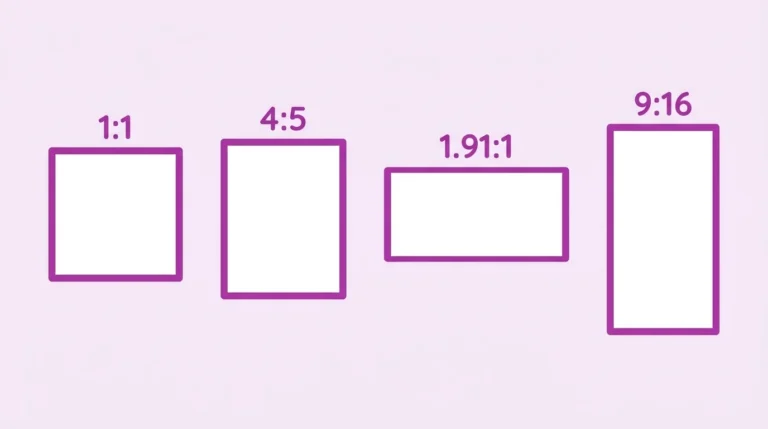
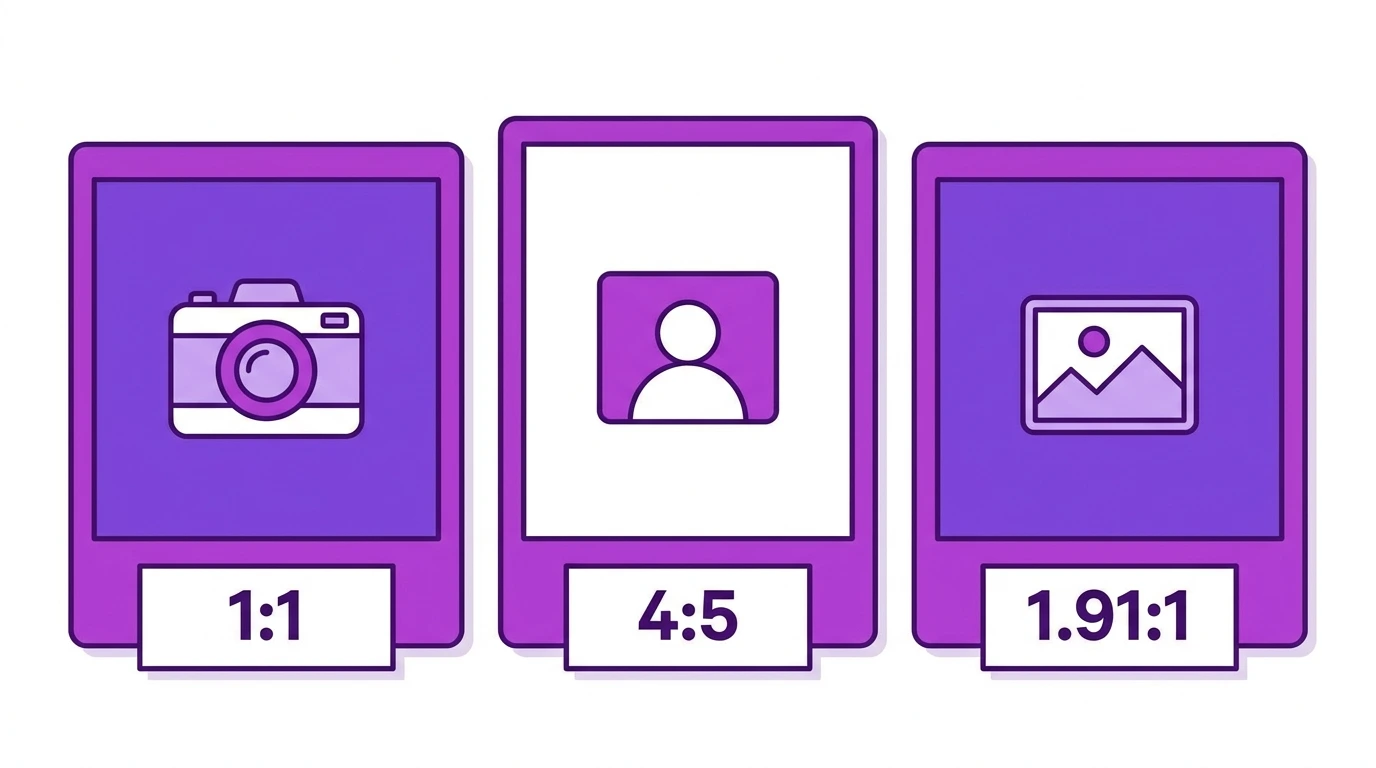
An aspect ratio describes the proportional relationship between the width and height of an image. Instagram supports three main aspect ratios for feed posts. Each one affects how your image is displayed differently.
Instagram-Supported Aspect Ratios
1:1 Square
- Dimensions: 1080 x 1080 px
- Appearance: Equal width and height
- Best for: Product photos, branded graphics, portraits
The square ratio is the original Instagram format. It looks balanced on the profile grid and works for almost any content type. It takes up a moderate amount of feed space, more than landscape but less than portrait.
4:5 Portrait
- Dimensions: 1080 x 1350 px
- Appearance: Taller than it is wide
- Best for: Fashion, lifestyle, editorial photography, and most general content
Portrait is the largest format Instagram supports for feed posts. It occupies more vertical screen space than square or landscape, which means users spend more time looking at your content as they scroll. For this reason, portrait is the recommended default format for most creators and brands.
1.91:1 Landscape
- Dimensions: 1080 x 566 px
- Appearance: Much wider than it is tall
- Best for: Wide-angle photography, scenic shots, panoramas, group photos
Landscape posts display smaller on the feed and profile grid compared to square and portrait. Use this format only when the horizontal framing is essential to your content. Avoid it as a default choice because it takes up less visual space on screen.
How Aspect Ratio Affects Your Profile Grid
Your profile grid displays all posts as squares, regardless of the aspect ratio you used when posting. Portrait and landscape posts are cropped to a square thumbnail in the grid view.
This means a portrait post will look slightly different on your grid compared to how it appears in the feed. If your grid appearance is important to you, check how each post looks as a square thumbnail before publishing.
Which Ratio Should You Choose
| Goal | Recommended Ratio |
|---|---|
| Maximum feed visibility | 4:5 (Portrait) |
| Consistent grid appearance | 1:1 (Square) |
| Wide-frame photography | 1.91:1 (Landscape) |
| Carousels | 1:1 or 4:5 |
| General all-purpose use | 4:5 (Portrait) |
Frequently Asked Questions
What happens if I upload an image with a ratio outside Instagram’s supported range?
Instagram automatically crops the image to the nearest supported ratio. For example, a 9:16 vertical photo will be cropped to 4:5 when posted to the feed.
Can I change the aspect ratio of a post after publishing?
No. The aspect ratio is set when you upload the image. You cannot change it after the post is published without deleting and reposting.
Does aspect ratio affect Instagram reach or engagement?
Aspect ratio itself is not a ranking factor. However, portrait posts tend to generate more engagement because they take up more screen space and keep users on your content longer as they scroll.
Should all posts in a carousel use the same ratio?
Yes. Instagram applies the ratio of the first slide to all other slides in a carousel. Use the same ratio across all slides to avoid inconsistent cropping.
What ratio does Instagram use for profile grid thumbnails?
Instagram always displays grid thumbnails in a 1:1 square format regardless of the original post ratio.
Conclusion
For most content, portrait (4:5) is the strongest choice because it maximizes your post’s visual presence on the feed. Square (1:1) works well when consistent grid appearance is a priority. Use landscape (1.91:1) only when the wide frame is necessary for your subject.
For full dimension specifications for each ratio, visit our Instagram Image & Post Size Guide.