How to Schedule Instagram Posts
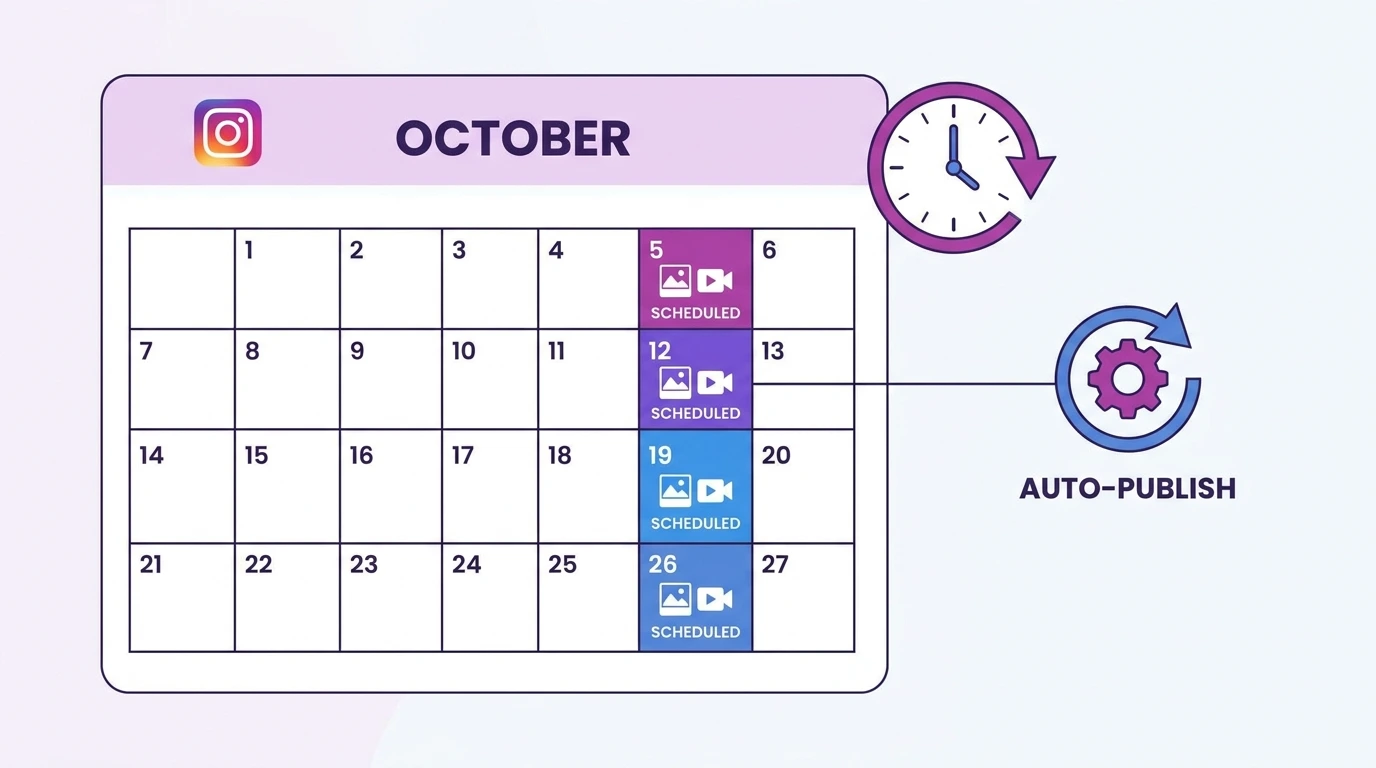
Scheduling Instagram posts lets you plan your content in advance and have it publish automatically at the time you choose. This is useful for maintaining a consistent posting schedule without needing to be active on the platform at a specific moment.
What You Need to Schedule Instagram Posts
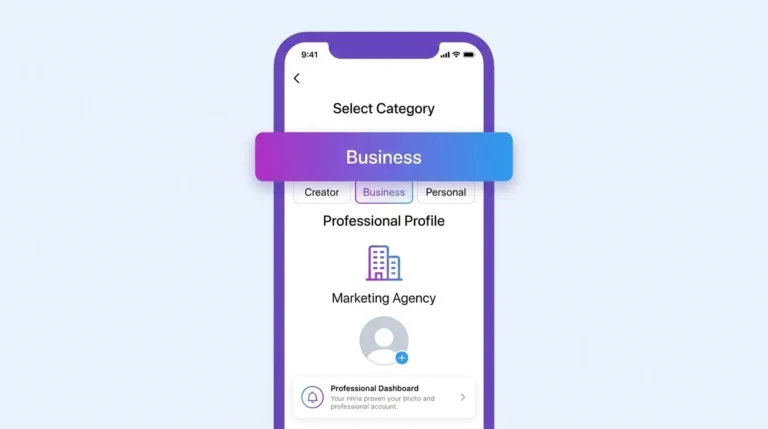
To use Instagram’s native scheduling through Meta Business Suite, you need:
- A professional Instagram account, either a Business or Creator account
- The account connected to a Facebook Page
- Access to Meta Business Suite at business.facebook.com or through the Meta Business Suite app
If your account is personal, switch it to a professional account in Settings before using Meta Business Suite.
How to Schedule Instagram Posts Using Meta Business Suite
Steps:
- Go to business.facebook.com and log in
- Select your Instagram account from the left sidebar
- Click Create post
- Choose Instagram feed as the destination
- Upload your photo or video
- Write your caption and add any relevant tags or locations
- Instead of clicking “Publish,” click the dropdown arrow next to the Publish button
- Select Schedule
- Choose your desired date and time
- Click “Schedule” to confirm
Your post is queued and will publish automatically at the scheduled time.
How to Schedule Instagram Posts Using Third-Party Tools
Several approved third-party tools offer Instagram scheduling with additional features such as content calendars, analytics, and team collaboration.
Popular options include:
- Later: Visual content calendar with drag-and-drop scheduling
- Buffer: Simple scheduling with cross-platform support
- Hootsuite: Advanced scheduling with team features and analytics
These tools connect to your Instagram account through the official Instagram API. Always use tools that are officially approved by Meta to avoid violating Instagram’s Terms of Use.
Tips for Scheduling Instagram Posts Effectively
- Post at optimal times: Review your Instagram Insights to find when your audience is most active and schedule posts for those windows
- Plan content in batches: Create and schedule a week or month of content at once to save time
- Review scheduled posts: Check your scheduled queue regularly to update captions or swap content if needed
- Mix content types: Schedule a variety of photos, videos, and carousels to keep your feed engaging
Frequently Asked Questions
Can I schedule Instagram posts for free?
Yes. Meta Business Suite is free to use and supports Instagram post scheduling for business and creator accounts.
Can I schedule Instagram Reels?
Yes. Meta Business Suite supports scheduling for Instagram Reels in addition to standard feed posts.
Do I need a business account to schedule Instagram posts?
Yes. Scheduling through Meta Business Suite requires a professional account, either business or creator. Personal accounts do not support this feature.
Can I edit a scheduled Instagram post before it publishes?
Yes. You can edit or cancel a scheduled post from within Meta Business Suite before the scheduled publish time.
Will scheduled posts publish automatically without me being online?
Yes. Once scheduled through Meta Business Suite or an approved third-party tool, posts publish automatically at the set time without any additional action from you.
Conclusion
Scheduling Instagram posts through Meta Business Suite is free, straightforward, and available to all business and creator accounts. Planning your content in advance helps you maintain a consistent presence on the platform without needing to post manually every day.
For a complete overview of all Instagram post management options, visit our Complete Guide to Instagram Posts.