Banned From Posting on Instagram
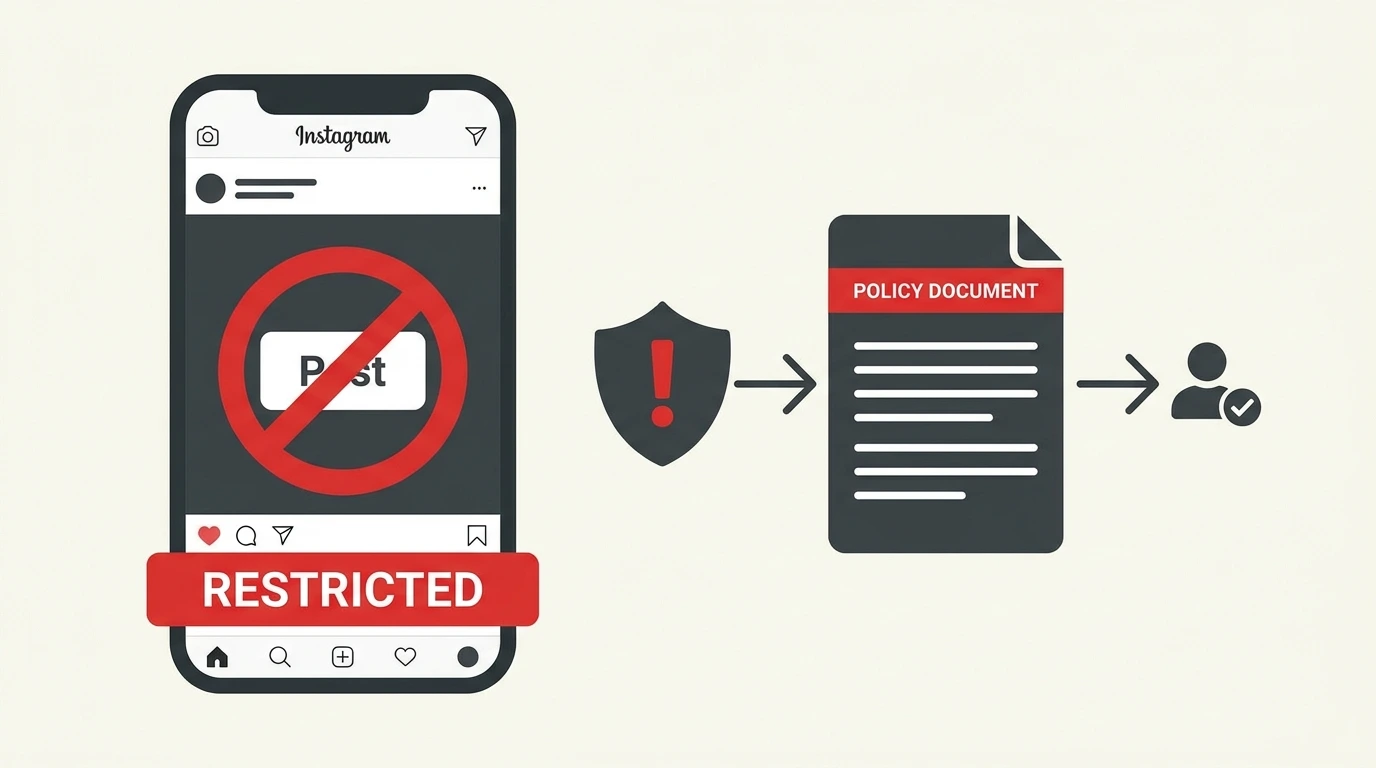
If Instagram has restricted or banned your ability to post, it means the platform detected activity or content that violates its policies. Depending on the severity of the violation, the restriction may be temporary or permanent.
Why Instagram Bans Accounts From Posting
Instagram restricts posting access for several reasons:
- Content violations: Posting content that violates Instagram’s Community Guidelines, such as graphic violence, nudity, hate speech, or misinformation
- Spam behavior: Posting too frequently in a short period or using automated tools to publish content
- Intellectual property violations: Posting copyrighted content without authorization
- Repeated violations: Multiple previous policy strikes on your account
- Suspicious activity: Unusual posting patterns that trigger Instagram’s automated detection systems
Types of Instagram Posting Restrictions
Temporary action block
Instagram blocks a specific action, such as posting, for a set period. This typically happens when the platform detects spam-like behavior. The block lifts automatically after a few hours to a few days.
Content removal without posting ban
Instagram removes a specific post that violates its policies but does not restrict your ability to post new content. You may receive a warning notification.
Partial account restriction
Instagram limits certain account features, including posting, as a consequence of policy violations. This can last from a few days to several weeks.
Permanent posting ban or account disable
Severe or repeated violations can result in a permanent restriction on posting or a full account disable. For information on account disables, see our guide on Instagram Account Disabled in our Instagram Account cluster.
How to Fix a Posting Ban on Instagram
Step 1: Identify the reason
Check your Instagram notifications and the email linked to your account. Instagram typically sends a message explaining which policy was violated and what action was taken.
Step 2: Wait out a temporary block
If the restriction is a temporary action block caused by spam-like activity, stop all automated posting or frequent manual posting and wait. Most temporary blocks resolve within 24 to 48 hours without any action needed.
Step 3: Remove violating content
If a specific post triggered the restriction, delete it if it is still visible on your profile. Removing the violating content may help resolve the restriction faster.
Step 4: Submit an appeal
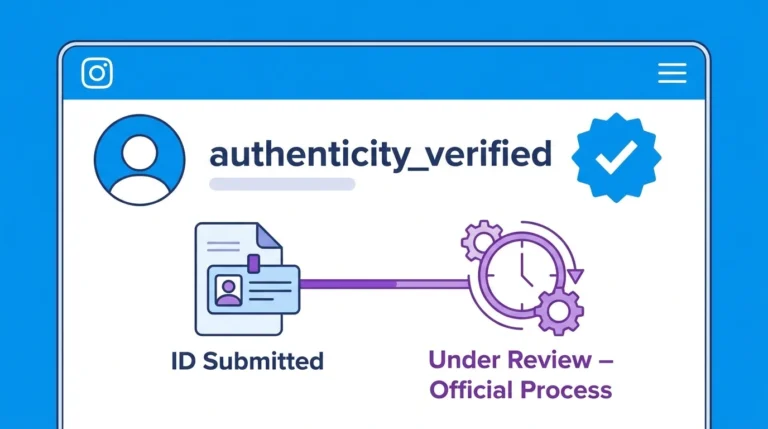
If you believe the restriction was applied in error, you can appeal through the Instagram app. When Instagram notifies you of a restriction, follow the in-app link to submit your appeal and provide any supporting information.
Step 5: Wait for Instagram’s response
Instagram reviews appeal manually. Response times vary. Continue following Instagram’s Community Guidelines during the review period.
How to Avoid Getting Banned From Posting on Instagram
- Post content that follows Instagram’s Community Guidelines at all times
- Avoid using third-party automation tools that post content on your behalf
- Do not post the same content repeatedly in short periods
- Respond promptly to any policy warning you receive from Instagram
- Review Instagram’s content policies regularly, as they are updated periodically
Frequently Asked Questions
How long does an Instagram posting ban last?
Temporary posting bans typically last between 24 hours and 30 days depending on the severity of the violation. Permanent bans do not expire.
Can I still use Instagram while banned from posting?
Yes. A posting restriction affects only your ability to publish new content. You can still view your feed, send messages, and browse other accounts unless additional restrictions are applied.
Will Instagram tell me why I am banned from posting?
Instagram sends a notification and often an email explaining the reason for a restriction. Check both your in-app notifications and your linked email address for details.
Does a posting ban affect my existing posts?
A posting ban does not automatically remove your existing posts. However, any posts that violated Instagram’s policies may be removed separately.
Can I create a new account if I am banned from posting on my current one?
Instagram’s Terms of Use prohibit creating new accounts to bypass restrictions applied to an existing account. Doing so may result in the new account being banned as well.
Conclusion
A posting ban on Instagram is usually temporary and triggered by a specific policy violation or unusual activity pattern. Identify the cause, wait out the restriction period, remove any violating content, and follow Instagram’s policies going forward to avoid further restrictions. For issues with your overall account access, visit our guide on Instagram Account Disabled.
For a full overview of Instagram post management, visit our Complete Guide to Instagram Posts.