Instagram Account Disabled: What It Means and What to Do
Seeing a message that your Instagram account has been disabled is alarming. In most cases, this happens because Instagram’s systems detected activity that violates its policies. Depending on the reason, you may be able to appeal the decision and recover your account.
This guide explains why accounts get disabled, how the appeal process works, and what to do if your appeal is unsuccessful.
Why Instagram Disables Accounts
Instagram disables accounts that violate its Community Guidelines or Terms of Use. Common reasons include:
- Spam activity: Sending excessive messages, following or unfollowing large numbers of accounts rapidly, or using automated tools
- Harassment or abuse: Sending threatening messages or targeting other users with abusive content
- Hate speech: Posting content that promotes discrimination based on race, religion, gender, or other characteristics
- Nudity or sexual content: Sharing content that violates Instagram’s nudity policies
- Intellectual property violations: Posting copyrighted content without authorization
- Fake identity: Impersonating another person or creating a misleading account identity
- Underage user: Account holder identified as being under 13 years of age
- Multiple previous violations: Repeated warnings or content removals leading to a permanent disablement
In some cases, accounts are disabled by mistake due to false reports from other users or an error in Instagram’s automated detection systems.
How to Tell If Your Account Is Disabled
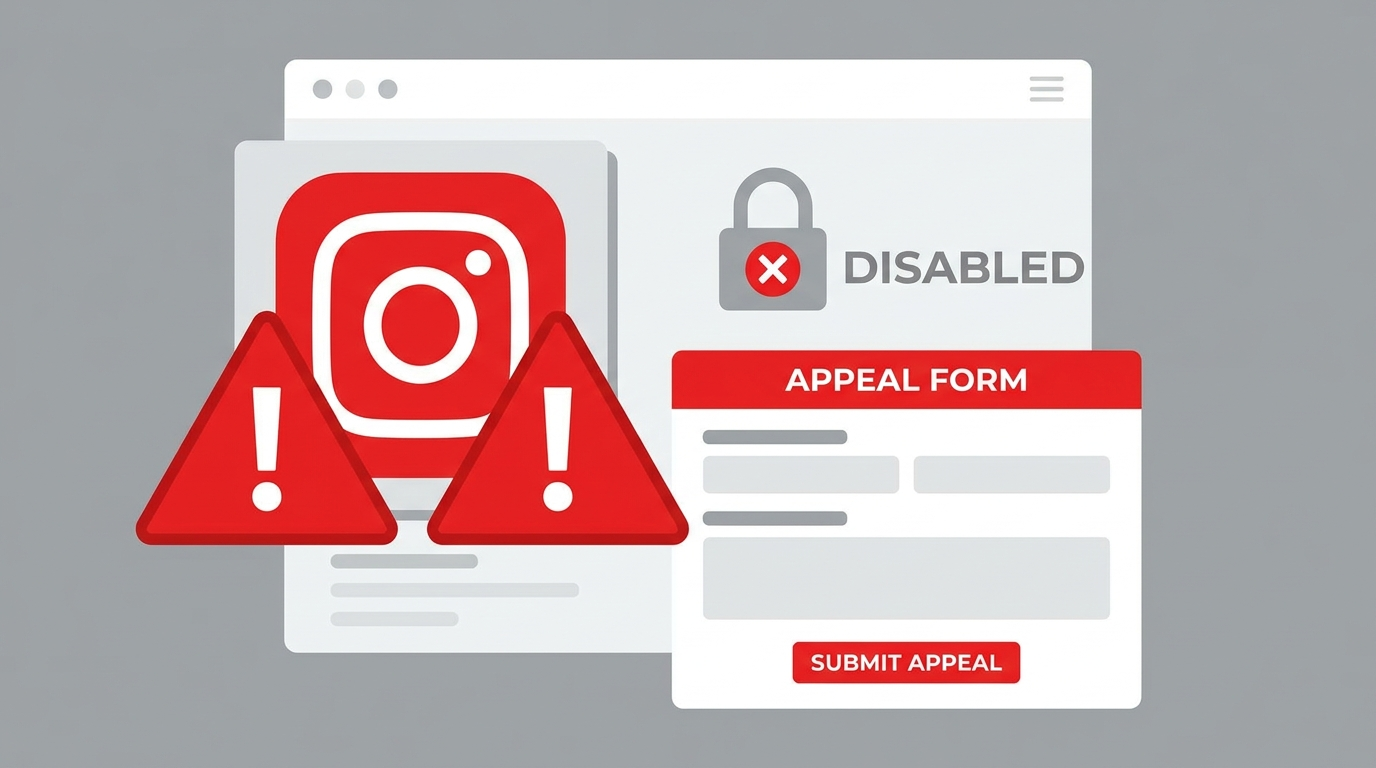
When you attempt to log in to a disabled account, Instagram displays a message stating that your account has been disabled for violating Instagram’s Terms of Use. This message appears on the login screen and includes information about how to appeal if you believe the decision was made in error.
If you see a different message, such as an incorrect password error or a general login problem, your account may not be disabled. See our guide on Instagram Login Problems for help with other login issues.
How to Appeal a Disabled Instagram Account
If you believe your account was disabled by mistake, you can submit an appeal to Instagram for review.
Steps:
- Open the Instagram app on your mobile device
- Attempt to log in with your credentials
- When the disabled account message appears, tap “Learn More” or “Appeal.”
- Follow the on-screen instructions to submit your appeal
- Provide any requested information, which may include:
- Your full name
- The email address linked to your account
- A brief explanation of why you believe the disable was an error
- Submit the appeal and wait for a response from Instagram
You can also submit an appeal through the Instagram Help Center at help.instagram.com if you are unable to access the in-app option.
What Happens After You Submit an Appeal
After submitting your appeal, Instagram’s team will review your account and the reported violation. During this period:
- Your account remains disabled and invisible to other users
- Instagram will contact you via the email address associated with your account
- Response times vary typically between a few days and several weeks
If Instagram determines the disabling was an error, your account will be restored, and you will receive an email confirmation. If the violation is confirmed, the account will remain disabled or be permanently removed.
If Your Appeal Is Rejected
If your appeal is unsuccessful:
- Instagram will notify you via email
- In some cases you may be able to submit a second appeal, though this is not always available
- If your account is permanently removed, all content, followers, and data associated with it are deleted
Unfortunately, Instagram does not provide direct human support for most account disability cases. The process is largely handled by automated systems with limited manual review available.
If you created the account on behalf of a business or public figure, consulting Meta’s business support channels may provide additional options.
How to Avoid Getting Your Instagram Account Disabled
Following Instagram’s policies consistently is the best way to protect your account.
Key practices:
- Do not use third-party apps or bots that automate likes, follows, or comments
- Avoid posting content that violates Instagram’s Community Guidelines
- Do not send mass messages or engage in spammy behavior
- Respond promptly to any policy warning emails Instagram sends
- Use your real identity and accurate account information
- Report suspicious activity on your account immediately
If Instagram sends you a warning about a policy violation, address it immediately rather than waiting for the situation to escalate to a full account disablement.
Frequently Asked Questions
How long does an Instagram account stay disabled?
Temporary disabilities can last anywhere from 24 hours to 30 days depending on the severity of the violation. Permanent disables do not expire.
Can Instagram disable my account without warning?
Yes. For severe violations, Instagram may disable an account immediately without prior warning. For minor violations, Instagram typically sends a warning before taking action.
What is the difference between a disabled account and a suspended account?
Instagram uses the term “disabled” for accounts that have been deactivated due to policy violations. A disabled account may be temporary or permanent depending on the situation.
Can I make a new Instagram account if my old one was disabled?
Instagram’s Terms of Use state that users whose accounts have been disabled may not create new accounts. However, Instagram does not always detect new accounts created by the same user.
Will my followers be notified if my account is disabled?
No. Your profile simply disappears from searches and their follower lists without any notification.
Conclusion
A disabled Instagram account is serious but not always permanent. If you believe the action was taken in error, submit an appeal through the Instagram app as soon as possible and provide all requested information.
To reduce the risk of your account being disabled in the future, familiarize yourself with Instagram’s Community Guidelines and avoid any activity that could trigger automated detection systems. For related guidance, see our articles on How to Recover an Instagram Account and Instagram Account Hacked.
Return to our Complete Guide to Managing Your Instagram Account for a full overview of account management options.