Instagram Carousel Post Size: Correct Dimensions Guide
A carousel post lets you share up to 20 photos or videos in a single swipeable Instagram post. Getting the size right across all your slides ensures each one displays cleanly without unexpected cropping or mismatched framing.
Recommended Carousel Post Dimensions
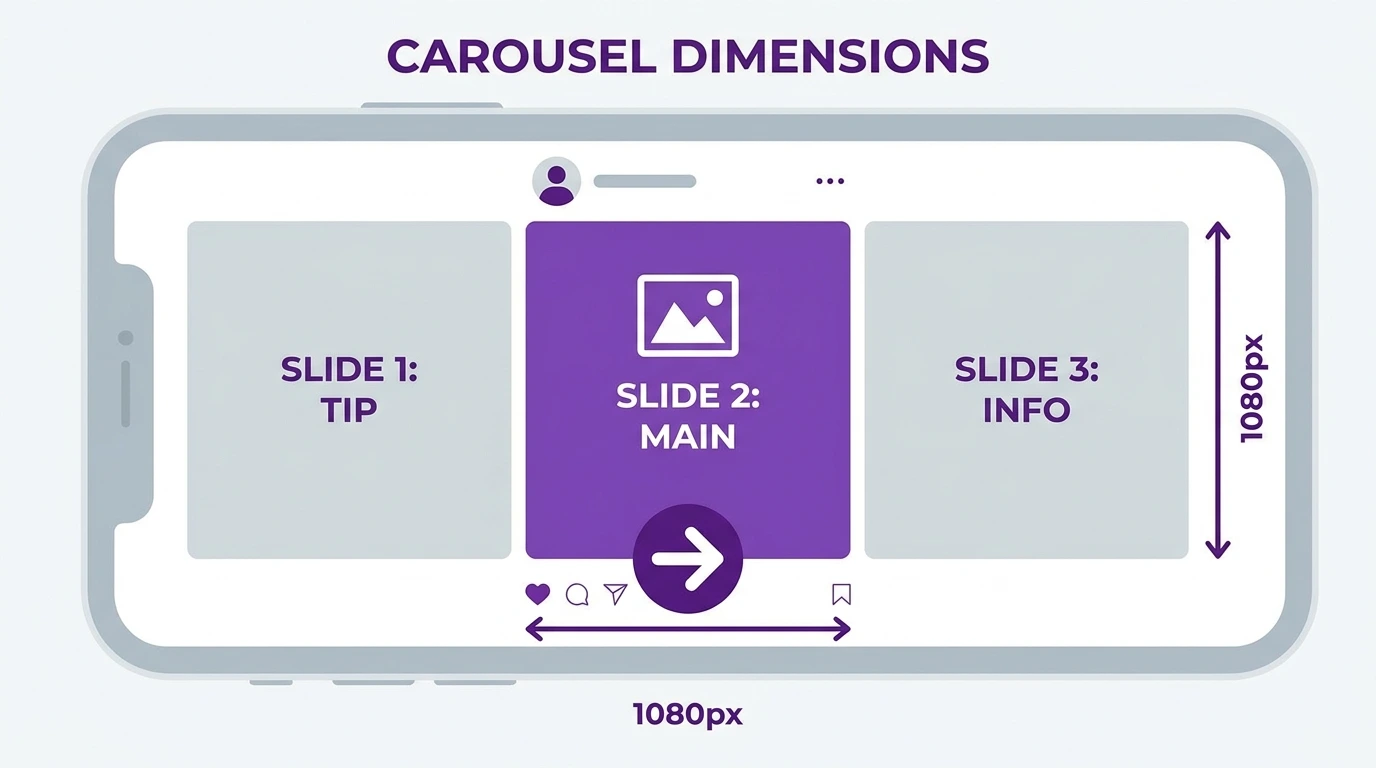
Instagram carousels support the same aspect ratios as standard feed posts. The two most commonly used formats are
| Format | Dimensions | Aspect Ratio |
|---|---|---|
| Square | 1080 x 1080 px | 1:1 |
| Portrait | 1080 x 1350 px | 4:5 |
Portrait (4:5) is the better choice for most carousel posts because it takes up more vertical space on the feed, making your content more visible as users scroll.
How Many Slides Can a Carousel Have
Instagram carousels support a minimum of 2 slides and a maximum of 20 slides. Each slide can be a photo or a video.
Keeping All Slides the Same Size
The most important rule for carousel posts is consistency. All slides in a carousel must use the same aspect ratio.
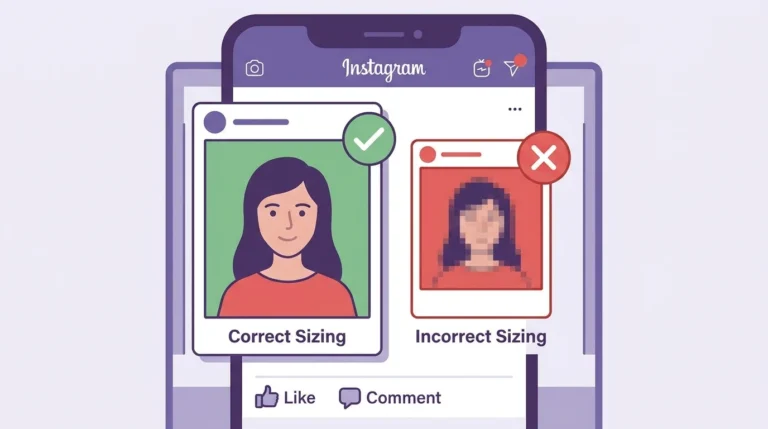
Instagram sets the display format based on the first slide. If your first slide is portrait (4:5), all subsequent slides will be displayed in the same format. Any slide that does not match will be cropped automatically by Instagram to fit.
To avoid cropping issues, design or resize all slides to the same pixel dimensions before uploading.
Carousel Video Specifications
If you include video slides in your carousel:
- Format: MP4 recommended
- Maximum file size: 4GB per video
- Maximum length: 60 seconds per video slide
- Aspect ratio: Same as photo slides, 1:1 or 4:5
Tips for Creating Consistent Carousel Posts
- Design all slides at the same dimensions in your editing software before exporting
- Use a template in Canva, Adobe Express, or Photoshop set to your chosen carousel size
- Check the preview of each slide in the Instagram app before publishing
- If mixing photos and videos, make sure all files match the same aspect ratio
Frequently Asked Questions
Can I mix portrait and square images in one carousel?
Technically yes, but Instagram will crop non-matching slides to fit the ratio of the first slide. This usually causes unwanted cropping. Use the same ratio for all slides.
What is the maximum number of images in an Instagram carousel?
Instagram currently supports up to 20 slides per carousel post.
Can I change the order of slides after posting a carousel?
No. Once a carousel post is published, the slide order cannot be changed. You would need to delete and repost to change the order.
What size should I use for a carousel with both photos and videos?
Use 1080 x 1080 px (square) or 1080 x 1350 px (portrait) for both photos and videos. Make sure all photo- and video-sharing files have the same aspect ratio.
Does Instagram compress carousel images the same way as single posts?
Yes. Instagram applies the same compression to carousel slides as it does to standard feed posts. Upload high-quality files at the correct dimensions to minimize visible quality loss.
Conclusion
For Instagram carousel posts, use 1080 x 1080 px for square or 1080 x 1350 px for portrait, and keep all slides at the same dimensions. Consistency across slides prevents cropping issues and ensures your carousel looks professional from the first slide to the last.
For full Instagram size specifications, visit our Instagram Image & Post Size Guide.