Creating an Instagram Business Account (How to)
Creating an Instagram business account gives you immediate access to professional tools, including audience analytics, contact buttons, ad capabilities, and Meta Business Suite integration. Setting one up takes only a few minutes, whether you are starting from scratch or converting an existing account.
This guide covers the process of creating an Instagram business account from the beginning.
What You Need Before You Start
Before creating your Instagram business account, have the following ready:
- An email address dedicated to your business
- A phone number for verification
- Your business name as you want it to appear on Instagram
- A profile photo of your logo or a professional headshot works well
- Your business website URL if you have one
- A connected Facebook page (optional but recommended)
How to Create a New Instagram Business Account on Mobile
Steps:
- Download the Instagram app from the App Store or Google Play Store
- Open the app and tap Create new account
- Enter your business email address and tap Next
- Create a strong password and tap Next
- Enter your date of birth and tap Next
- Choose a username for your business use your business name or a close variation
- Complete the basic profile setup steps Instagram guides you through
- Once your account is created, go to Settings and privacy
- Tap Account type and tools
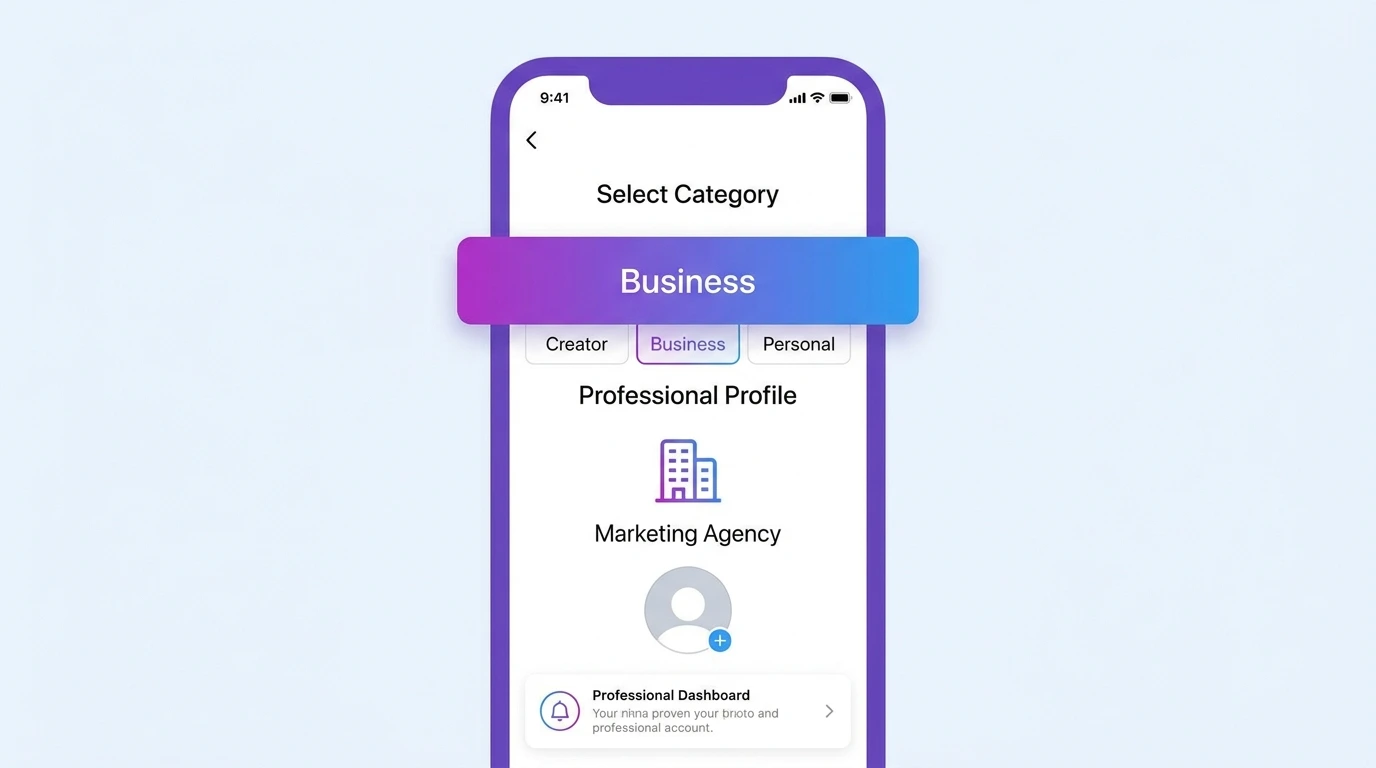
- Select Switch to professional account
- Tap Business and tap Next
- Select your business category from the list
- Add your contact information (email, phone number, and address if applicable)
- Tap Done
Your business account is now active with full access to professional features.
How to Create an Instagram Business Account on Desktop
Steps:
- Go to instagram.com and click Sign up
- Enter your business email address
- Create a password and enter your business name
- Complete the signup process
- Once logged in, click your profile picture and go to Settings
- Select account type and tools
- Click Switch to professional account
- Select Business and follow the setup steps
How to Link Your Facebook Page
Linking your Instagram business account to a Facebook page unlocks Meta Business Suite integration, cross-platform ad management, and additional business features.
Steps:
- Go to Settings and privacy
- Tap Account
- Select Linked Accounts
- Tap Facebook
- Log in to Facebook and select the page you want to link
- Confirm the connection
If you do not have a Facebook page yet, you can create one at facebook.com/pages/create before completing this step.
Completing Your Business Profile After Setup
After creating your business account, complete your profile to make the best first impression on visitors.
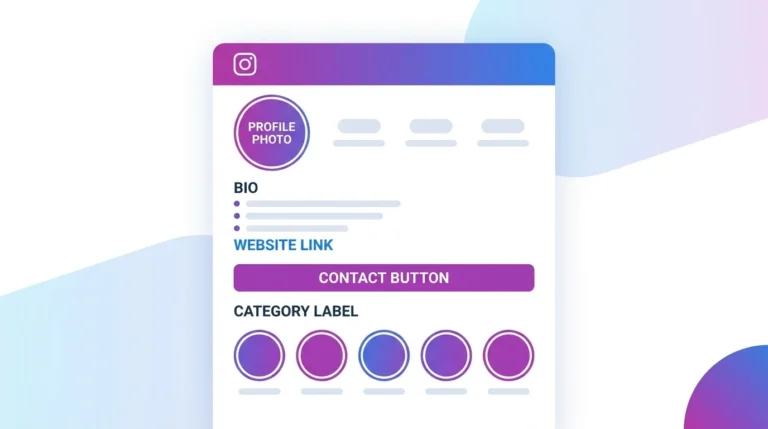
- Profile photo: Use your logo or a professional image at 320 x 320 px minimum
- Bio: Write a clear, concise description of what your business does (150 character limit)
- Website: Add your business website or a link-in-bio page
- Category: Confirm the correct category is selected
- Contact button: Verify your contact information is correct and visible
For a complete profile setup guide, see our article on Instagram Business Profile Setup.
Frequently Asked Questions
Can I create an Instagram business account without a Facebook account?
Yes. A Facebook account is not required to create an Instagram business account. However, linking a Facebook Page unlocks additional features and is recommended for businesses that plan to run ads.
What username should I choose for my Instagram business account?
Use your business name or the closest available variation. Keep it short, easy to remember, and consistent with your username on other platforms if possible.
Can I use a personal email to create a business account?
Yes, but using a dedicated business email is recommended. It keeps your business and personal accounts separate and makes account recovery easier.
How many Instagram business accounts can I have?
You can manage up to five Instagram accounts from a single device. Each account requires a separate email address.
Is there a minimum follower count required to create a business account?
No. You can switch to or create a business account at any follower count, including zero.
Conclusion
Creating an Instagram business account is straightforward and free. Once your account is set up, complete your profile, link your Facebook page, and explore the analytics and tools that come with the business account.
For a full overview of all Instagram business account features and settings, visit our Instagram Business Account Guide.