Instagram Business Account Guide
An Instagram business account gives you access to a set of professional tools that are not available on personal accounts. From detailed audience analytics to contact buttons, ad creation, and scheduling tools, an Instagram business account is built for brands, companies, and anyone using Instagram to promote a product or service.
This guide covers everything you need to know about Instagram business accounts from creating and setting one up to using every tool and feature available to you.
What Is an Instagram Business Account?
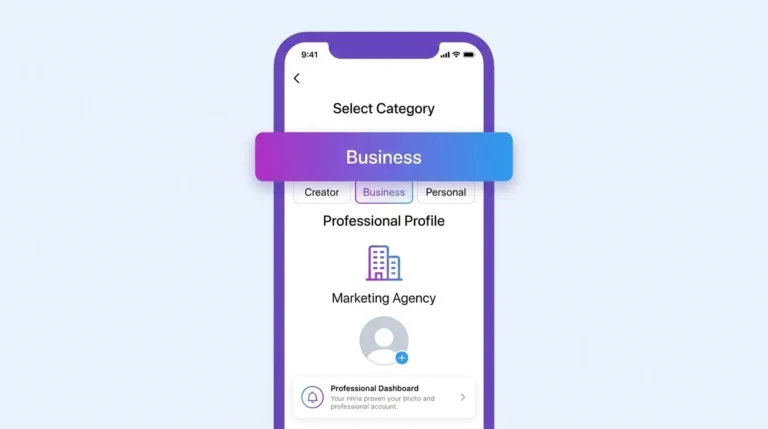
An Instagram business account is a type of professional account designed for companies, brands, retailers, service providers, and organizations. It sits alongside the creator account as one of two professional account types Instagram offers.
Switching to a business account gives you access to:
- Detailed audience and content analytics through Instagram Insights
- A contact button on your profile for email, phone, and directions
- The ability to run Instagram ads and promoted posts
- Integration with Meta Business Suite for scheduling and management
- Access to Instagram Shopping features
- A business category label displayed on your profile
Instagram Business Account vs Creator Account vs Personal Account
Before switching, it helps to understand which account type fits your situation.
| Feature | Personal | Creator | Business |
|---|---|---|---|
| Instagram Insights | No | Yes | Yes |
| Contact Button | No | Limited | Yes |
| Run Ads | No | Yes | Yes |
| Meta Business Suite | No | Limited | Yes |
| Instagram Shopping | No | Yes | Yes |
| Music Library | Full | Full | Commercial only |
| Best for | Casual users | Influencers, content creators | Brands, businesses, services |
If you are an individual content creator or influencer, a creator account may suit you better than a business account. If you represent a brand, company, or service, a business account is the right choice.
How to Create an Instagram Business Account
If you are starting fresh on Instagram, you can create a new account and set it up as a business account from the beginning.
For step-by-step instructions on creating a new business account, see our guide on How to Create an Instagram Business Account.
How to Switch to an Instagram Business Account
If you already have a personal or creator account, you can switch it to a business account without losing any of your content, followers, or history.
For complete switching instructions, see our guide on How to Switch to an Instagram Business Account.
Setting Up Your Instagram Business Profile
After switching to a business account, completing your profile setup is the most important next step. A complete business profile includes your category, contact information, bio, profile photo, website link, and linked Facebook page.
For a complete profile setup walkthrough, see our guide on Instagram Business Profile Setup.
Instagram Business Insights
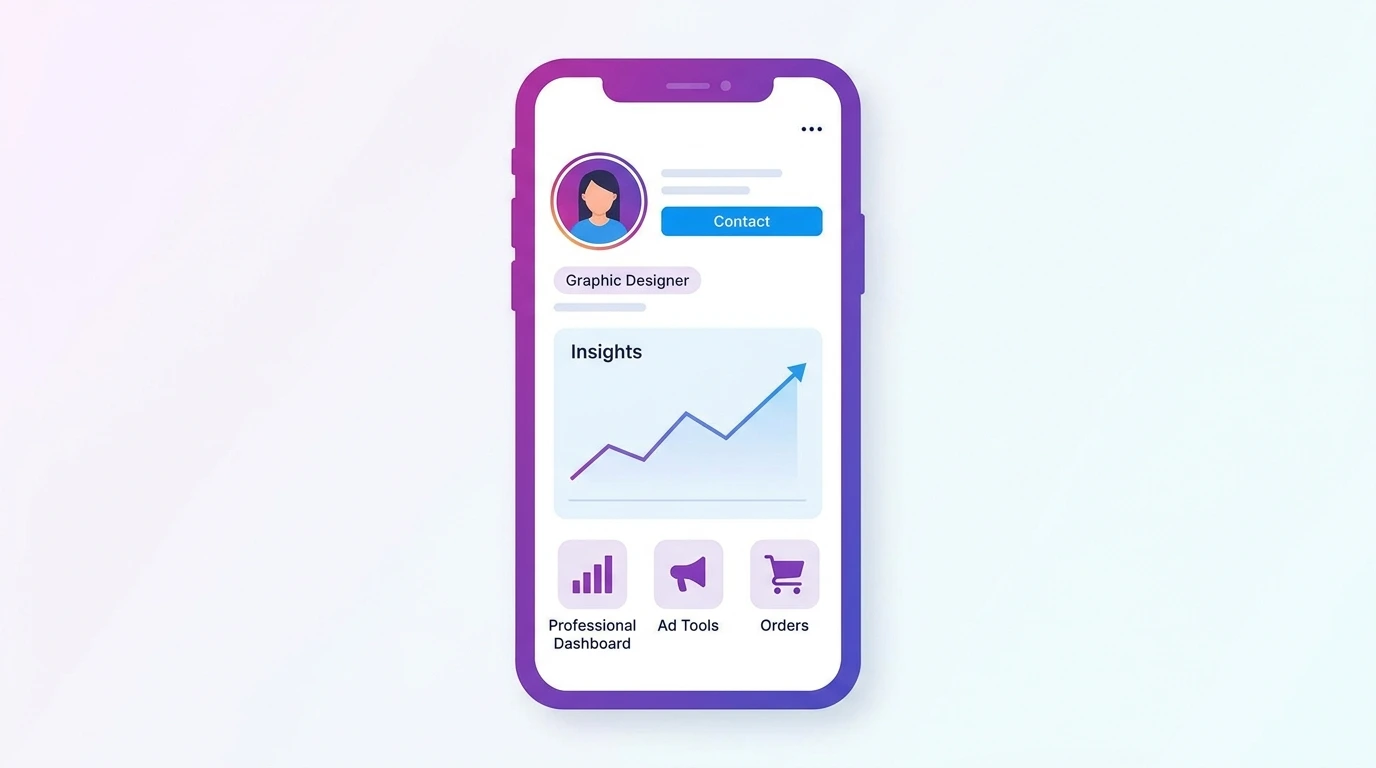
Instagram Insights is the analytics dashboard built into every business account. It shows you data on your audience demographics, your content performance, and how users discover and interact with your profile.
Key metrics available in Insights include reach, impressions, profile visits, follower growth, and engagement rates broken down by content type.
For a full explanation of every Insights metric and how to use them, see our guide on Instagram Business Insights.
Instagram Business Tools
Business accounts have access to a range of tools that help you manage, promote, and grow your Instagram presence. These include Meta Business Suite, the Ads Manager, the Instagram scheduler, and the professional dashboard.
For a complete overview of every tool available to business accounts, see our guide on Instagram Business Tools.
Instagram Business Features
Beyond the core analytics and contact features, Instagram business accounts unlock additional capabilities, including Instagram Shopping, product tagging, lead generation tools, and branded content partnerships.
For a full breakdown of every business-specific feature, see our guide on Instagram Business Features.
Instagram Business Categories
When setting up your business account, you select a category that describes what your business does. This category appears on your profile and helps Instagram understand your content and audience.
For guidance on choosing the right category, see our guide on Instagram Business Categories.
Instagram Business Contact Button
The contact button on your business profile gives customers a direct way to reach you by email, phone, or for physical locations through directions. It appears prominently on your profile page and makes it easier for potential customers to take action.
For instructions on setting up and customizing your contact button, see our guide on Instagram Business Contact Button.
Instagram Business Settings
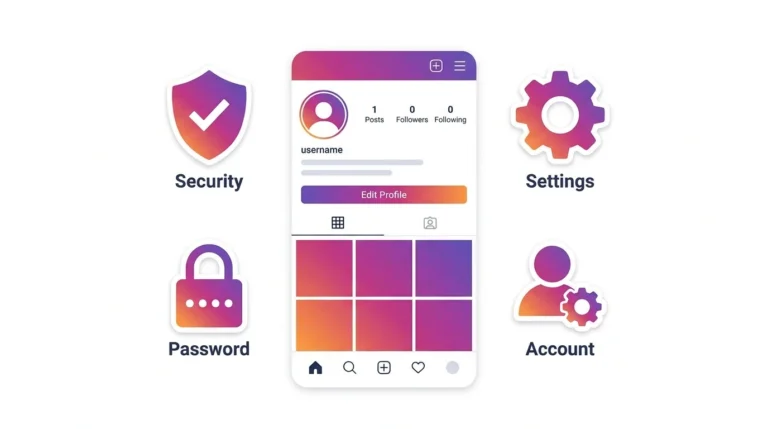
Your business account settings give you control over how your profile operates, privacy, messaging, linked accounts, ad preferences, and more. Reviewing and configuring these settings after setup ensures your account is running the way you intend.
For a complete settings walkthrough, see our guide on Instagram Business Settings.
Instagram Business Verification
A verified badge on your Instagram business account signals authenticity to your audience. Instagram offers both a traditional notability-based verification process and a paid Meta Verified subscription for businesses.
For full eligibility requirements and application steps, see our guide on Instagram Business Verification.
Frequently Asked Questions
Is an Instagram business account free?
Yes. Switching to or creating an Instagram business account is completely free. Some features within the business account — such as running ads involve costs, but the account itself has no fee.
Can I switch back to a personal account after switching to a business account?
Yes. You can switch between personal, creator, and business account types at any time in your account settings without losing your content or followers.
Do I need a Facebook page to use an Instagram business account?
A Facebook page is not strictly required to create a business account, but linking one unlocks additional features including Meta Business Suite integration, cross-posting, and certain ad formats.
Will switching to a business account reduce my organic reach?
Instagram has stated that account type does not affect organic reach. The common belief that business accounts receive lower reach than personal accounts is not supported by Instagram’s official position.
Can I have multiple Instagram business accounts?
Yes. Instagram allows you to manage up to five accounts from a single device. Each account requires a separate email address.
Conclusion
An Instagram business account gives you the tools, data, and features you need to use Instagram professionally. Whether you are a local business, an e-commerce brand, or a service provider, the business account provides a meaningful upgrade over a personal account in every area that matters for growth and customer connection.
Use this guide as your starting point and explore the individual articles in this cluster for detailed instructions on every business account feature and setting.