Best Image Size for Instagram Posts
Using the best image size for Instagram posts before you upload saves time and ensures your content always looks sharp. Instagram has specific display requirements, and matching them from the start means your posts appear exactly as you designed them, without unwanted cropping, stretching, or quality loss.
Best Image Size by Post Type
Best Size for a Standard Feed Post
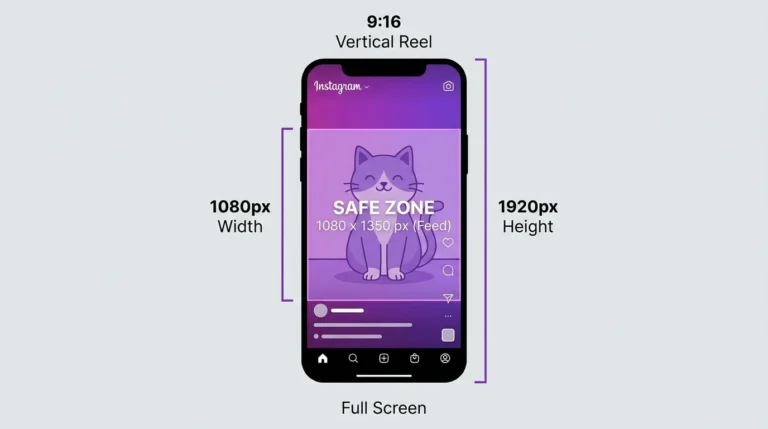
1080 x 1350 px (Portrait, 4:5)
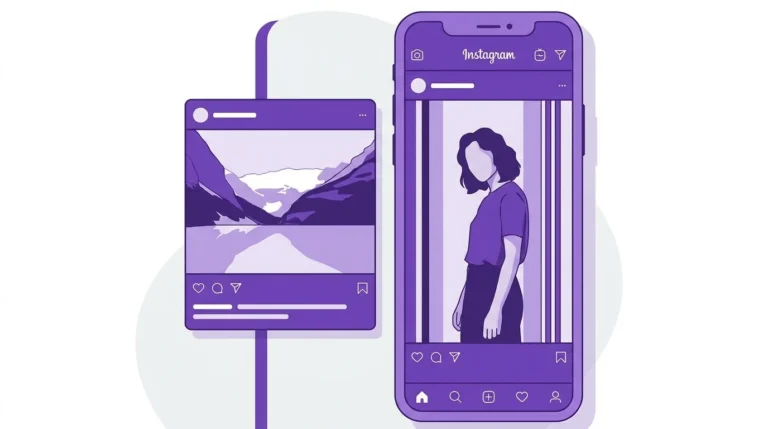
Portraits are the best all-around size for Instagram feed posts. It takes up more vertical screen space than any other supported format, which means more visibility as users scroll. If you post in one format consistently, make it portrait.
Best Size for a Square Post
1080 x 1080 px (square, 1:1)
Square is the best choice when grid consistency matters or when your content is designed for square frame product photos, branded graphics, and illustrations.
Best Size for a Carousel Post
1080 x 1350 px (portrait, 4:5) or 1080 x 1080 px (square, 1:1)
Use the same size for every slide in your carousel. Portrait carousels take up more feed space. Square carousels display more consistently on the grid.
Best Size for Instagram Reels
1080 x 1920 px (Vertical, 9:16)
Reels use a full-screen vertical format. This is the only supported size for Reels that fills the entire screen without letterboxing or cropping.
Best Size for Instagram Stories
1080 x 1920 px (Vertical, 9:16)
Stories use the same full-screen vertical format as Reels.
Quick Reference Table
| Format | Best Size | Aspect Ratio |
|---|---|---|
| Feed post (general) | 1080 x 1350 px | 4:5 |
| Square post | 1080 x 1080 px | 1:1 |
| Landscape post | 1080 x 566 px | 1.91:1 |
| Carousel | 1080 x 1350 px | 4:5 |
| Reels | 1080 x 1920 px | 9:16 |
| Stories | 1080 x 1920 px | 9:16 |
Best File Format and Export Settings
- Photos: JPEG at 80 to 90 percent quality, or PNG for graphics and text-heavy images
- Videos: MP4 format
- Resolution: 72 PPI (screen resolution)
- Color mode: RGB (not CMYK)
- Maximum file size: 8MB for photos, 4GB for videos
Frequently Asked Questions
What is the single best image size for Instagram if I only use one format?
Use 1080 x 1350 px (portrait, 4:5). It works for most content types and gives your posts the most visibility on the feed.
Does using the best image size guarantee better engagement?
No. Image size affects how your content displays, but engagement depends primarily on content quality, relevance, and timing. The right size simply ensures your post looks its best.
Should I resize my images before uploading to Instagram?
Yes. Resizing to Instagram’s recommended dimensions before uploading gives you more control over how the image is cropped and compressed. Instagram will resize images automatically if you do not, which can produce unpredictable results.
Can I use the same image size for all my Instagram posts?
If you want a consistent format, use 1080 x 1350 px for all feed posts. This portrait size works well across most content types and gives your grid a clean, professional look.
What happens if I upload an image that is too small?
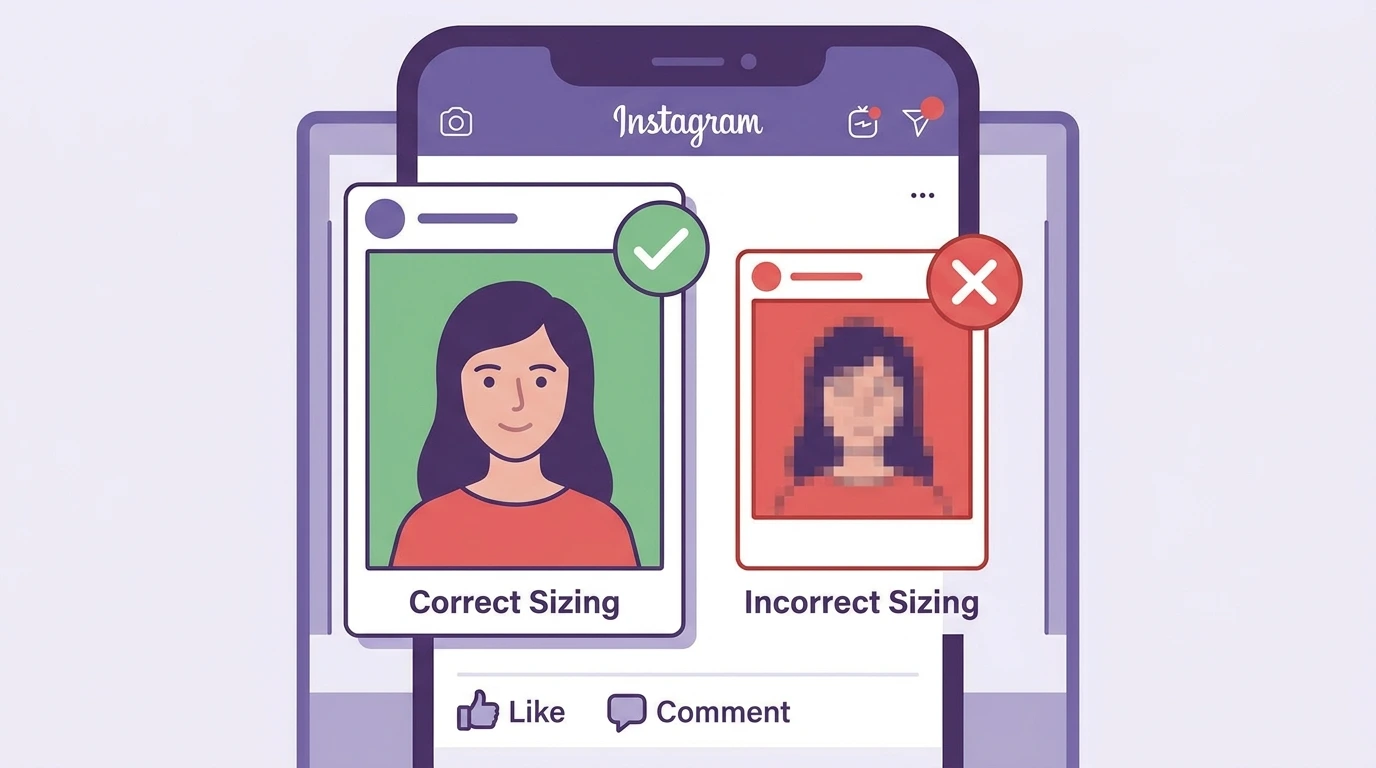
Instagram stretches undersized images to fill the display area, which reduces sharpness. Always upload at a minimum width of 1080 pixels.
Conclusion
The best image size for most Instagram feed posts is 1080 x 1350 px in portrait format. It displays larger on the feed than square or landscape formats and works for almost any type of content. For Reels and Stories, use 1080 x 1920 px.
For a complete breakdown of every Instagram format and specification, visit our Instagram Image & Post Size Guide.