Why Can’t I Post on Instagram
If Instagram is not letting you post, the cause is usually one of a small number of common issues. Identifying the right one helps you apply the correct fix without wasting time.
Common Reasons You Cannot Post on Instagram
- Poor or unstable internet connection
- Instagram server outage
- Outdated Instagram app
- File format or size not supported
- Temporary account action block
- Account restricted due to a policy violation
- Corrupted app cache or data
Fix 1: Check Your Internet Connection
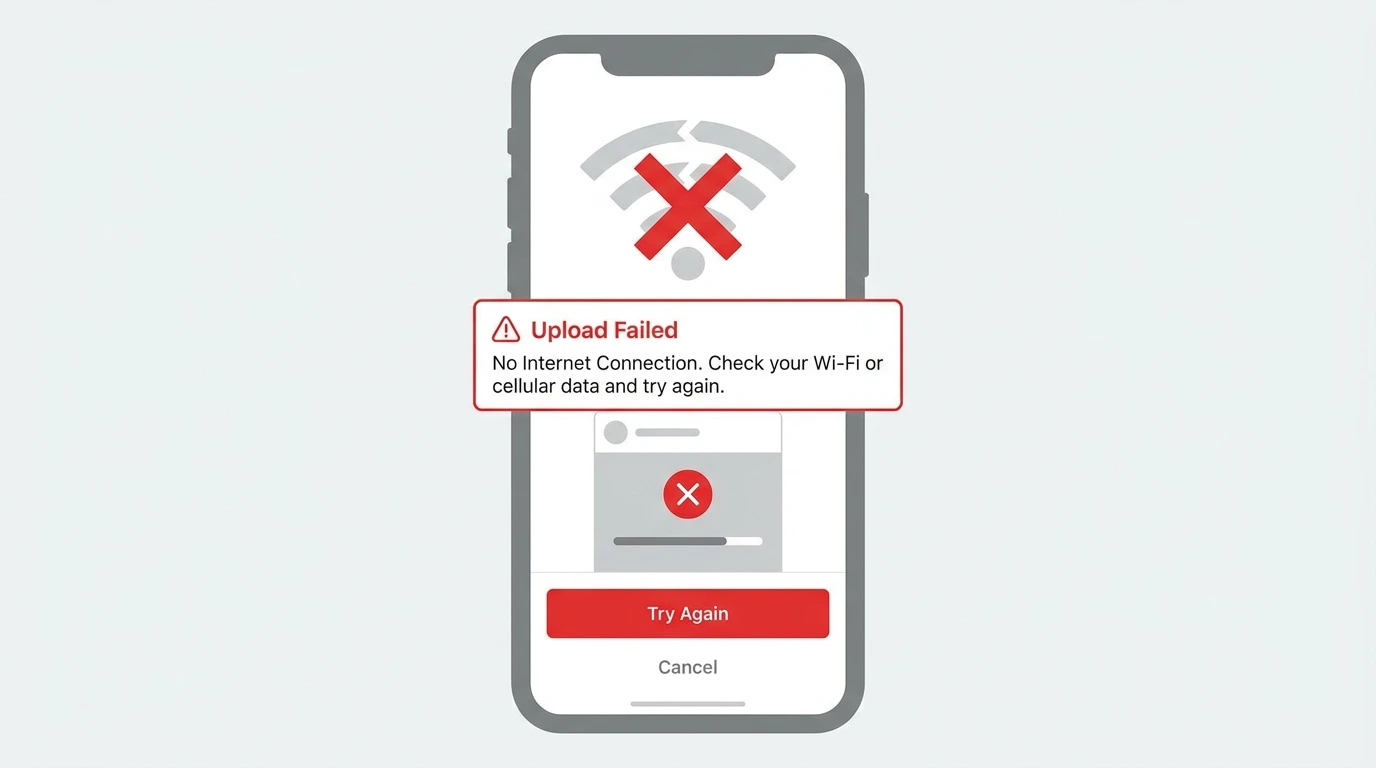
A weak connection is the most common reason posts fail to upload. Switch between Wi-Fi and mobile data to test both. If the connection is the issue, the post will upload once your signal improves.
Fix 2: Check If Instagram Is Down
If your connection is fine but posts still will not upload, Instagram’s servers may be experiencing an outage. Visit Downdetector or check social media for reports of Instagram being down.
If there is a platform-wide issue, wait for Instagram to resolve it and try again.
Fix 3: Update the Instagram App
An outdated app version can cause posting errors. Open the App Store (iOS) or Google Play Store (Android), search for Instagram, and install any available update.
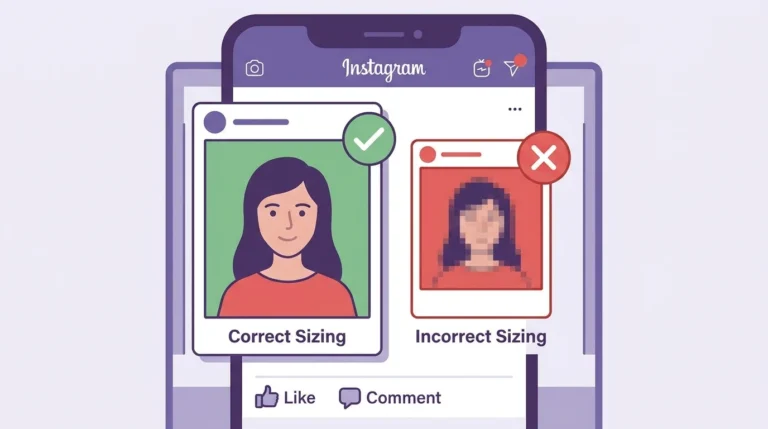
Fix 4: Check Your File Format and Size
Instagram has specific requirements for photos and videos:
- Photos: JPEG or PNG format, maximum file size 8MB
- Videos: MP4 format recommended, maximum file size 4GB, maximum length 60 minutes for feed posts
If your file does not meet these requirements, compress or convert it before uploading.
Fix 5: Clear the App Cache
Cached data can cause upload failures.
On Android:
- Go to Settings on your device
- Select Apps
- Tap Instagram
- Select Storage and tap Clear Cache
On iPhone:
Delete and reinstall the Instagram app to clear cached data.
Fix 6: Check for an Action Block
Instagram may temporarily restrict your ability to post if it detects unusual activity on your account. This is called an action block. If you have been posting very frequently or using automation tools, you may encounter this restriction.
Action blocks typically last between a few hours and a few days. If you see a message saying your action is blocked, stop the activity that triggered it and wait for the restriction to lift.
Fix 7: Review Your Account Status
If Instagram has applied a content violation or policy restriction to your account, your ability to post may be limited. Check your notifications and email for any messages from Instagram about your account status.
If your account has been restricted from posting due to a violation, see our guide on Banned From Posting on Instagram.
Frequently Asked Questions
Why does my Instagram post keep failing to upload?
The most common causes are a poor internet connection, an unsupported file format, or an app error. Check your connection, verify your file meets Instagram’s requirements, and try again.
How long does an Instagram action block last?
Action blocks typically last between 24 hours and 48 hours for minor incidents. In more serious cases they can last up to two weeks. Avoid the activity that triggered the block to help it resolve faster.
Can I post on Instagram from a desktop if the app is not working?
Yes. Go to instagram.com in a desktop browser and try posting from there. If the issue is specific to the app, the browser version may work normally.
Does Instagram notify you when you are blocked from posting?
Instagram displays an in-app message when an action block is in place. Check your notifications and any messages displayed when you attempt to post.
Conclusion
Most Instagram posting problems are caused by connection issues, app errors, or temporary account restrictions. Work through the fixes in this guide from the most common causes to the less frequent ones.
If the problem is related to a policy violation or account restriction, see our guide on Banned From Posting on Instagram for specific steps.
For a full overview of Instagram post management, visit our Complete Guide to Instagram Posts.