How to Verify Your Instagram Account
The blue verified badge on Instagram signals that an account is the authentic presence of a notable public figure, celebrity, brand, or entity. Verification is not available to everyone; Instagram applies specific eligibility criteria before approving any application.
This guide explains what verification means, who qualifies, how to apply, and what to expect after submitting your request.
What Instagram Verification Means
The blue badge next to an account name confirms that Instagram has reviewed and verified the account as the genuine presence of the person or organization it represents.
Verification serves one primary purpose: authenticity. It helps users identify the real accounts of public figures and brands, particularly when multiple accounts with similar names exist on the platform.
Verification does not guarantee increased reach, higher rankings in search results, or access to additional features. It is purely an indicator of identity authenticity.
Instagram Verification vs Meta Verified: Key Difference
Instagram offers two different types of verification, and it is important to understand the difference before applying.
Free verification (Blue Badge)
This is the traditional verification process. Instagram reviews notable public accounts and awards the blue badge based on authenticity and notability. There is no cost. This process is selective and not available to most users.
Meta Verified (Subscription)
Meta Verified is a paid monthly subscription available to individual users. It provides a blue badge, enhanced account support, and additional features. Eligibility requires a government-issued ID and meeting basic account requirements. This is separate from the free notability-based verification.
If you are a public figure or brand seeking recognition as a notable entity, apply through the free verification process. If you are an individual user wanting a badge and account support features, consider Meta Verified as an alternative.
Who Is Eligible for Instagram Verification
Instagram uses the following criteria to evaluate free verification requests.
Authenticity
The account must represent a real person, registered business, or established entity.
Uniqueness
Only one account per person or business is eligible for verification. General interest pages and fan accounts do not qualify.
Completeness
The account must be complete with a profile photo, bio, and at least one post. Accounts set to private are not eligible.
Notability
This is the most important criterion. The account must represent a well-known, highly searched person or brand. Instagram evaluates notability based on:
- Presence in multiple credible, independent news sources
- Recognition within the relevant industry or field
- Consistent public interest demonstrated through search volume or media coverage
Paid or promotional media coverage is not considered credible for notability purposes.
How to Apply for Instagram Verification
Steps:
- Open the Instagram app
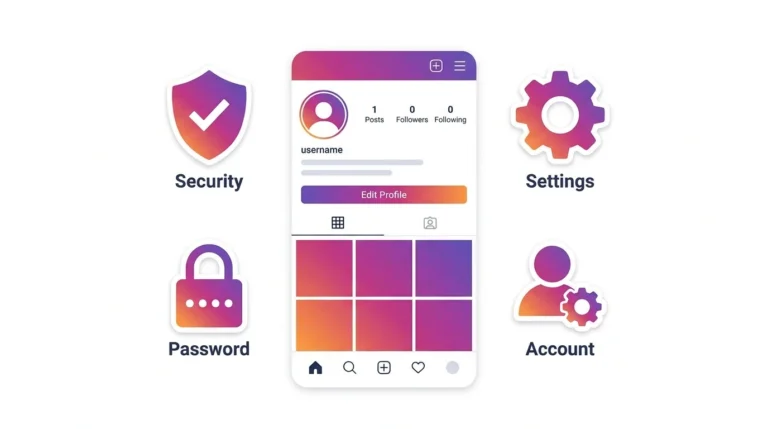
- Go to Settings and privacy
- Tap Account
- Select Request verification
- Complete the application form:
- Enter your full legal name or the official name of your business
- Select the category that best describes your account (e.g., journalist, musician, sports figure, brand)
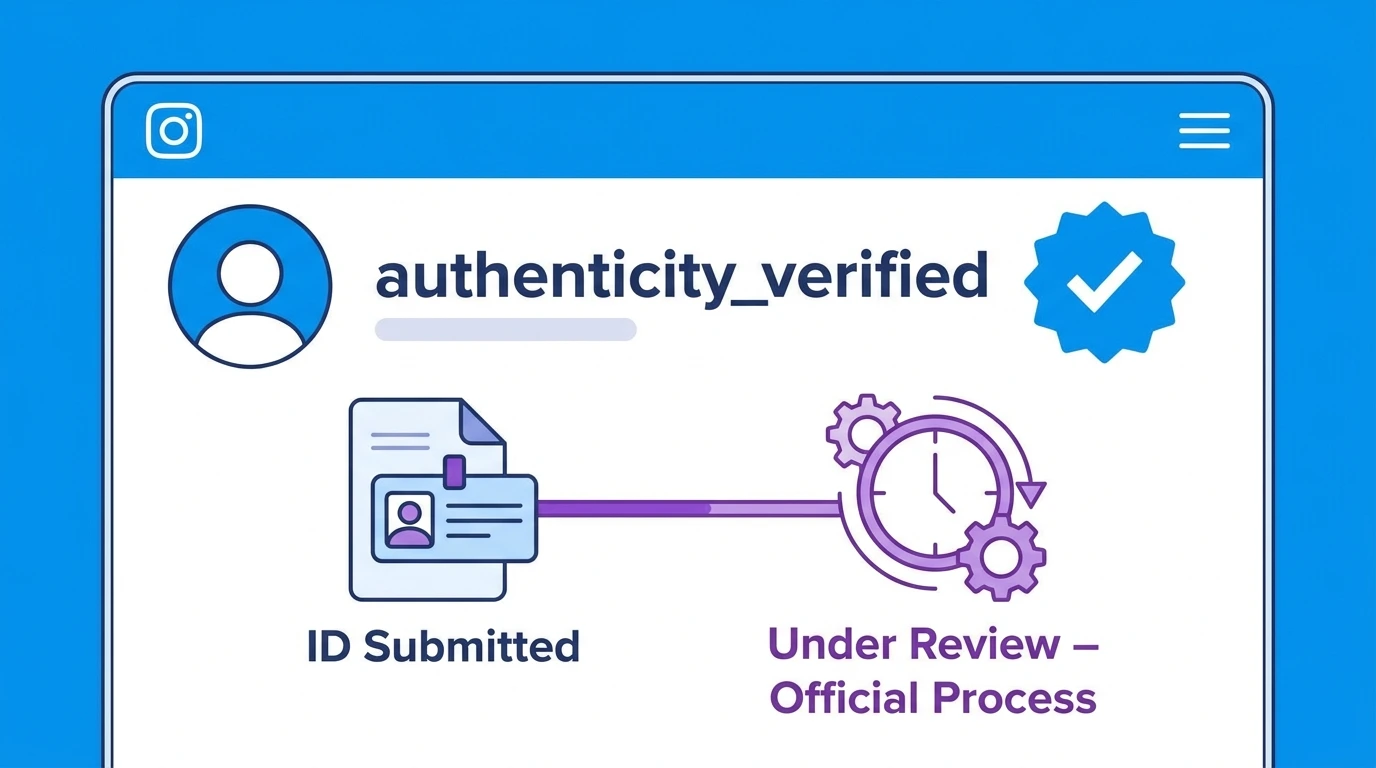
- Upload a government-issued photo ID (for individuals) or official business documentation (for organizations)
- Tap Send
Instagram does not charge a fee for the standard verification request.
After submission, Instagram reviews the application and sends a decision through the app’s notifications.
What Happens After You Submit a Verification Request
Instagram reviews all verification requests manually. The review process typically takes up to 30 days, though timelines can vary.
You will receive a notification in the Instagram app with the result of your review.
If approved: The blue verified badge appears on your profile immediately.
If rejected: Instagram will notify you that your request was not approved. You can reapply after 30 days. Instagram does not typically provide specific reasons for rejections.
Why Instagram Verification Requests Get Rejected
Most verification requests are rejected. Common reasons include:
- The account does not meet the notability requirement
- Insufficient presence in independent credible news sources
- The account is incomplete, private, or inactive
- The submitted identification does not match the account name
- The category selected does not accurately reflect the account’s identity
Improving your notability profile before applying through media coverage, press mentions, and industry recognition increases the likelihood of approval.
Frequently Asked Questions
Can I pay to get verified on Instagram?
Standard Instagram verification is free and based on notability. You cannot pay for a traditional blue badge. However, Meta Verified is a paid subscription that also provides a blue badge along with account support features.
How many times can I apply for Instagram verification?
You can reapply after 30 days following a rejection. There is no strict limit on the number of times you can apply.
Does having more followers increase my chances of getting verified?
Follower count alone does not determine verification eligibility. Notability based on credible media coverage and public recognition matters more than follower numbers.
Will Instagram tell me why my verification request was rejected?
No. Instagram notifies you of the rejection but does not provide specific reasons or feedback.
Can a business account get verified on Instagram?
Yes. Businesses, brands, and organizations can apply for verification using official business documentation in place of a personal government-issued ID.
Conclusion
Instagram verification is reserved for notable, authentic accounts that meet specific eligibility criteria. The application process is straightforward, but approval depends primarily on demonstrated notability through credible media coverage and public recognition.
If you are not eligible for the traditional verification process, explore Meta Verified as an alternative that provides a badge and enhanced account features through a paid subscription. For a full overview of account management, visit our Complete Guide to Managing Your Instagram Account.