How to Recover Your Instagram Account
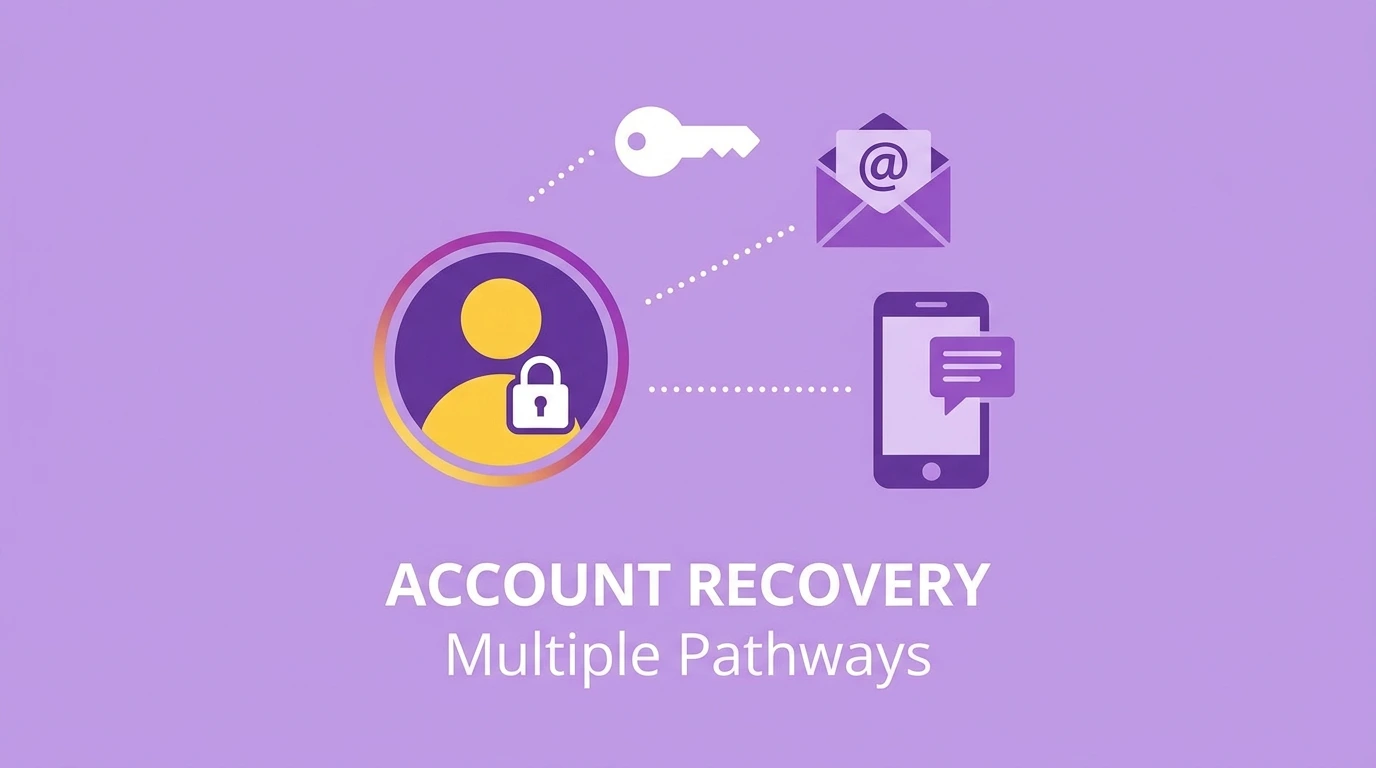
Losing access to your Instagram account is frustrating, but recovery is possible in most situations. Instagram provides several methods to verify your identity and restore access depending on what information you still have available.
This guide covers every recovery path so you can find the right solution for your specific situation.
Common Reasons Users Lose Instagram Access
Understanding why you lost access helps identify the correct recovery method:
- Forgotten password: You cannot remember your current password
- Lost email access: You no longer have access to the email linked to your account
- Lost phone number: Your linked phone number has changed or is unavailable
- Hacked account: Someone changed your login credentials without your permission
- Disabled account: Instagram disabled your account for a policy violation
Each situation requires a different recovery approach.
How to Recover Your Instagram Account Using Email or Phone Number
This is the fastest and most straightforward recovery method.
Steps:
- Open the Instagram app or go to instagram.com
- Tap “Forgot password?” on the login screen
- Enter your username, email address, or phone number
- Tap Send login link or Send code
- Check your email or SMS for the reset link or verification code
- Follow the instructions to create a new password
- Log in with your new credentials
If you receive the reset email but the link has expired, request a new one from the login screen.
How to Recover Your Instagram Account Without Email or Phone Number
If you no longer have access to the email or phone number linked to your account, Instagram provides alternative recovery options.
Use a linked Facebook account.
If your Instagram account is connected to a Facebook account that you can still access:
- On the Instagram login screen, tap Log in with Facebook
- Complete the Facebook login process
- Instagram will recognize the linked account and grant access
- Once logged in, update your email address and phone number in your account settings
Use Instagram’s Identity Verification
If you cannot use a linked Facebook account, Instagram offers a manual identity verification process.
Steps:
- On the login screen, tap Forgot password?
- Tap Get more help or Need more help?
- Follow the prompts and select the option to verify your identity
- Instagram may ask you to:
- Enter the email or phone number used when you created the account
- Complete a video selfie to confirm your identity
- Submit a government-issued photo ID in some cases
Instagram reviews identity submissions manually. Response times vary but typically take a few business days.
How to Recover a Hacked Instagram Account
If your account was hacked and the attacker changed your email, password, or phone number, follow these steps immediately.
Step 1: Check for Instagram’s security email
When account details are changed, Instagram sends an alert to the original email address. Look for an email from Instagram with the subject line about a recent change and tap the option to reverse or report the change.
Step 2: Use the login screen recovery
- Open Instagram and tap Forgot password?
- Enter your username or the original email address
- Tap Need more help?
- Follow the identity verification process
Step 3: Report the hack to Instagram
If the above steps do not work, visit the Instagram Help Center and report your account as compromised. Instagram has a dedicated recovery path for hacked accounts.
For complete instructions, see our guide on Instagram Account Hacked.
How to Recover a Disabled Instagram Account
If Instagram disabled your account for violating its Community Guidelines or Terms of Use, you may be eligible to appeal the decision.
Steps:
- Open the Instagram app
- Attempt to log in
- If your account is disabled, Instagram will display a message explaining the situation
- Follow the on-screen instructions to submit an appeal
- Provide any requested information to support your case
Instagram reviews appear and typically respond within a few days. Not all appeals result in account restoration.
For detailed instructions on the appeal process, see our guide on Instagram Account Disabled.
What to Do If Nothing Works
If you have exhausted all recovery options:
- Visit the Instagram Help Center at help.instagram.com for additional support options
- Submit a support request through the Instagram app under Settings > Help > Report a Problem
- Check if you are still logged in on any other device. If so, immediately update your email address and password from that device.
Keep in mind that Instagram does not offer phone or live chat support. All assistance is provided through automated systems and email.
Frequently Asked Questions
How long does Instagram account recovery take?
Password resets via email or SMS are immediate. Identity verification requests that require manual review can take several business days.
Can I recover an Instagram account if I forgot my username?
Yes. On the login screen, tap Forgot password? and enter the email address or phone number linked to the account. Instagram will identify the associated username.
What is the Instagram video selfie verification?
Instagram may ask you to record a short video selfie as part of the identity verification process. This video is compared against profile photos to confirm your identity and is not shared publicly.
Can I recover a permanently deleted Instagram account?
No. Once the 30-day grace period following deletion has passed, the account and all its data are permanently removed and cannot be recovered.
Conclusion
Most Instagram account recovery situations can be resolved using the email or phone recovery option, a linked Facebook account, or Instagram’s identity verification process. Act quickly when you lose access, especially in cases involving a hacked account, as the sooner you respond, the better your chances of recovery.
For a complete overview of account management options, visit our Complete Guide to Managing Your Instagram Account.