iPhone Alarm Volume Too Low? How to Fix It (2026)
Short answer: If your iPhone alarm volume is too low, the cause is the ringer volume, not the media volume: turning up the volume buttons during a video does nothing for your alarm. Fix a quiet alarm by going to Settings → Sounds & Haptics, dragging the Ringer and Alerts slider up, and turning off Change with Buttons so the volume buttons cannot lower it again by accident. If you are facing other iPhone issues, the iPhone problems hub covers the common fixes in one place.
Why Is My iPhone Alarm So Quiet?
This confusion causes nearly every “alarm too low” complaint. Your iPhone has two separate volume systems:
- Ringer and Alerts volume: controls the alarm, ringtones, and system alerts.
- Media volume: controls music, videos, games, and YouTube.
The volume buttons on the side of your phone adjust whichever one is active. If you were watching a video when you last pressed them, you changed the media volume and your alarm volume never moved. Many people set their alarm, then unknowingly lower the ringer volume later while adjusting video sound, and wake up late the next morning wondering why the alarm whispered.
How Do I Turn Up the Alarm Volume on iPhone?
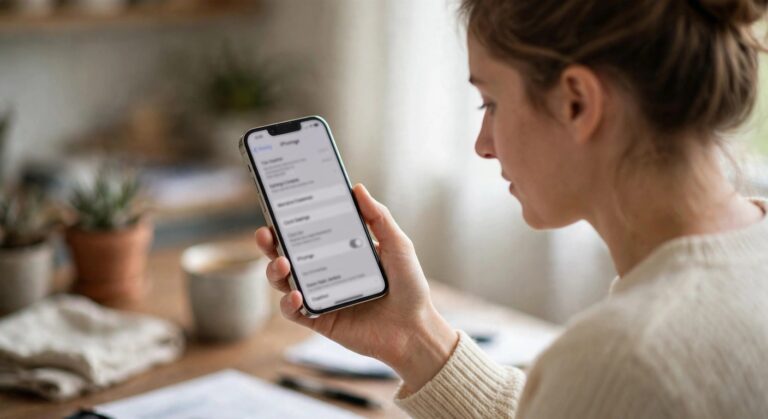
- Open Settings → Sounds & Haptics.
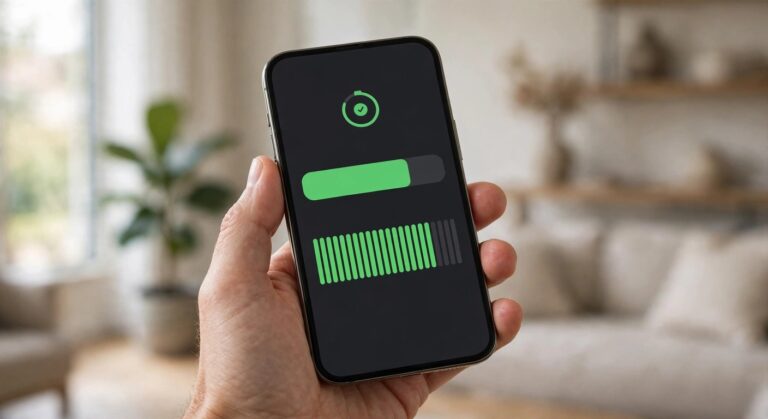
- Under Ringer and Alerts, drag the slider to the right, toward maximum.
- Tap Change with Buttons and turn it off.
Step 3 is the critical one. With Change with Buttons off, the side volume buttons only affect media volume, so your alarm volume stays exactly where you set it no matter what you do with the buttons during the day.
Test it immediately: set an alarm for one minute from now, lock the phone, and listen. If it is loud enough in the test, it will be loud enough at 6 AM.
Should I Turn Off “Change with Buttons”?
Yes, for almost everyone. Here is the trade-off:
| Setting | Pros | Cons |
| Change with Buttons off (recommended) | Alarm volume stays fixed; you can never accidentally silence your alarm | To change ringtone volume you must open Settings |
| Change with Buttons on | Quick ringer adjustments with the side buttons | Easy to accidentally lower the alarm to near-silent |
The people who get burned are the ones who lower their phone’s volume for a video in bed, then miss their morning alarm. Locking the ringer volume removes that failure mode entirely.
Will My Alarm Ring on Silent or Do Not Disturb?
Yes. This is one of the most misunderstood iPhone behaviors, so let it be clear:
- Silent switch on (orange showing): alarms still ring at full ringer volume.
- Do Not Disturb / Focus modes: alarms still ring. Do Not Disturb silences calls and notifications, not alarms.
- Airplane Mode: alarms still ring.
Your alarm will not be silenced by any of these. The only things that stop an alarm are turning the alarm itself off, deleting it, or the phone being completely powered off (a fully dead battery means no alarm).
What If the Alarm Volume Is Still Low?
If the ringer slider is maxed and the alarm is still quiet, work through these:
1. Check the alarm sound itself. Open the Clock app → Alarm → tap Edit → tap your alarm → Sound. Make sure it is not set to None, and pick a loud, attention-grabbing tone. Gentle tones like “Silk” are easy to sleep through; “Radar” or “Beacon” are much harder to ignore.
2. Check Bluetooth. If your iPhone is connected to Bluetooth headphones, earbuds, or a speaker, the alarm may play through that device instead of the phone speaker. If you fall asleep wearing AirPods, you might never hear the room. Disconnect Bluetooth before bed, or at least check where the audio is routed.
3. Check that the alarm is actually on. Open the Clock app and confirm the alarm’s toggle is green. Alarms can get switched off accidentally, and an alarm set for “weekdays only” will not fire on Saturday.
4. Check the Sleep schedule. If you use the Health app’s Sleep feature, its bedtime schedule can conflict with regular alarms. Open Health → Sleep and check that the schedule matches when you actually want to wake up, or turn the schedule off and use a plain Clock alarm.
5. Restart your iPhone. A restart clears temporary audio glitches that can make alerts play quietly. Hold Side + Volume button, slide to power off, wait 30 seconds, and power back on.
6. Update iOS. Go to Settings → General → Software Update. Apple has fixed alarm-related bugs in past updates, including alarms playing at wrong volumes.
Can I Set Different Volumes for Different Alarms?
No. iOS has one ringer volume for all alarms. You cannot make your weekday alarm loud and your weekend alarm quiet through volume alone. The workaround is choosing different sounds: a gentle tone for one, an aggressive tone for the other.
The Bottom Line
A quiet iPhone alarm is a ringer-volume problem, not an alarm problem. Raise the Ringer and Alerts slider in Settings → Sounds & Haptics, turn off Change with Buttons so it stays put, and pick a sound you cannot sleep through. Remember the two facts that surprise everyone: the volume buttons usually control media, not your alarm, and no silent switch or Focus mode will ever mute it. Set it once, lock it in, and sleep easy.
Why is my iPhone alarm volume suddenly low?
You probably lowered the ringer volume without realizing it. The side buttons adjust media volume when media is playing, but they adjust ringer volume on the home screen if Change with Buttons is on. Check Settings → Sounds & Haptics → Ringer and Alerts.
Does the iPhone alarm use ringer or media volume?
Ringer volume. Media volume (music, videos, games) has no effect on alarm loudness. This is why turning up video volume does not fix a quiet alarm.
Will my alarm go off on Do Not Disturb?
Yes. Do Not Disturb silences calls, messages, and notifications, but alarms always ring through at the set ringer volume.
Will my alarm ring if my phone is on silent?
Yes. The silent switch mutes ringtones for incoming calls, but the Clock alarm overrides it and rings at full volume.
Why didn’t my iPhone alarm go off at all?
The usual causes: the alarm toggle was off, the phone was completely powered off (dead battery), the sound was set to None, or a conflicting Sleep schedule in the Health app. Check all four.
Can I make my iPhone alarm vibrate only?
Yes. In the alarm’s Edit screen, tap Sound, scroll to the top, and tap Vibration to choose a vibration pattern. Set Sound to None if you want vibration with no audio, though a silent alarm is easy to miss.
How do I make my iPhone alarm louder than maximum?
You cannot exceed the maximum ringer volume, but you can make it more effective: choose a harsh tone like Radar, place the phone across the room so you must get up, and disconnect Bluetooth so it plays through the phone speaker.