Instagram Reels Cover Photo: How to Set and Change It
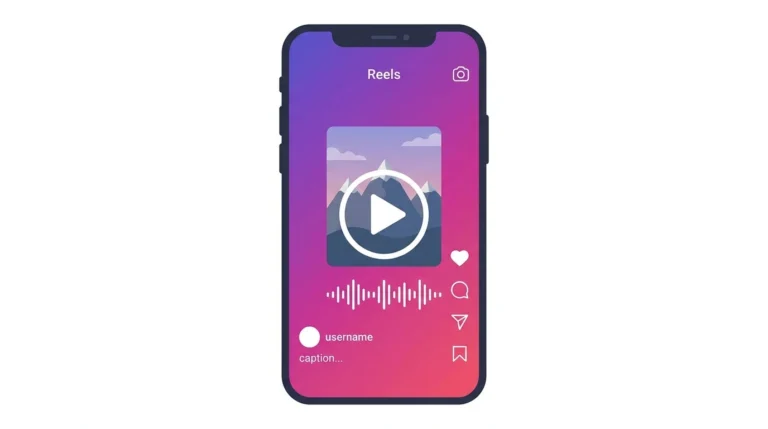
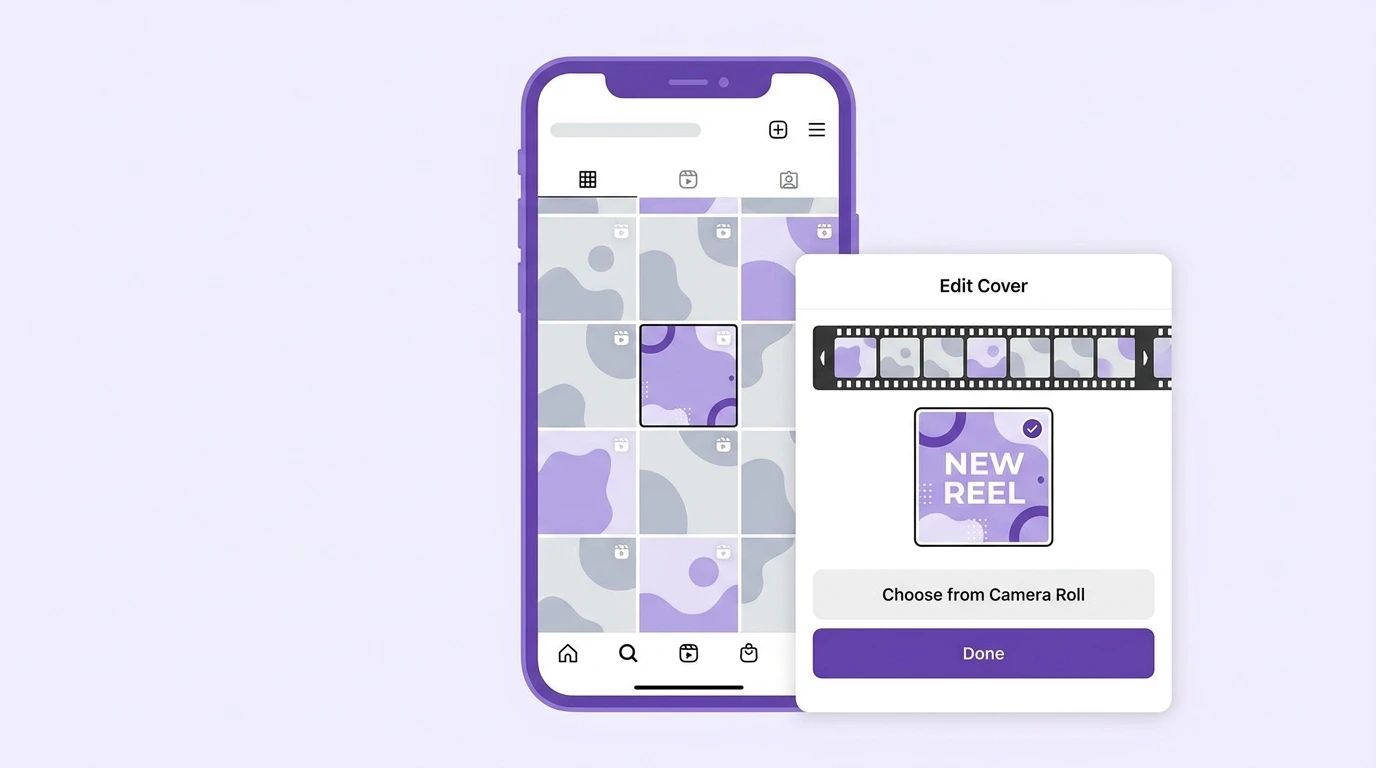
The Instagram Reels cover photo is the thumbnail image that represents your Reel on your profile grid and in the Reels tab. Choosing the right cover photo makes your profile look more intentional and gives viewers a clear reason to tap on your Reel before it starts playing.
Why the Cover Photo Matters
When someone visits your Instagram profile, they see your Reels as static thumbnail images on the grid. If Instagram selects a random mid-action frame as your cover, it may not accurately represent what the Reel is about or look appealing enough to attract a tap.
A well-chosen cover photo:
- Gives viewers a preview of the reel’s content at a glance
- Makes your profile grid look consistent and professional
- Can include text that communicates the reel’s topic clearly
- Increases the likelihood of users tapping to watch
How to Set a Cover Photo When Posting a Reel
Steps:
- After finishing your Reel edits, tap Next
- On the sharing screen, tap Edit cover
- Scrub through the video timeline to select a specific frame from your Reel
- Alternatively, tap Add from camera roll to upload a custom image
- Position and crop the cover image as needed
- Tap Done
- Continue with your caption and sharing settings, then tap Share
How to Change a Reel Cover Photo After Posting
You can change the cover photo of a Reel after it has already been published.
Steps:
- Go to your profile and find the Reel you want to update
- Tap the three-dot menu on the Reel
- Select Edit
- Tap Edit cover
- Select a new frame from the video or upload a custom image from your camera roll
- Tap Done
- Tap Save to apply the change
The updated cover photo appears on your profile grid and in the Reels tab immediately.
Best Practices for Reel Cover Photos
Use a clear, well-lit frame.
The cover should show the subject clearly. Avoid blurry frames, transitional moments, or frames where the subject is partially out of shot.
Add text to your cover.
A short text label on the cover image tells viewers exactly what the reel is about before they tap. Keep it brief three to five words is enough.
Keep a consistent style.
If you post Reels regularly, using a consistent cover photo style, the same font, the same color scheme, and the same layout makes your profile grid look cohesive and recognizable.
Design for the grid thumbnail crop
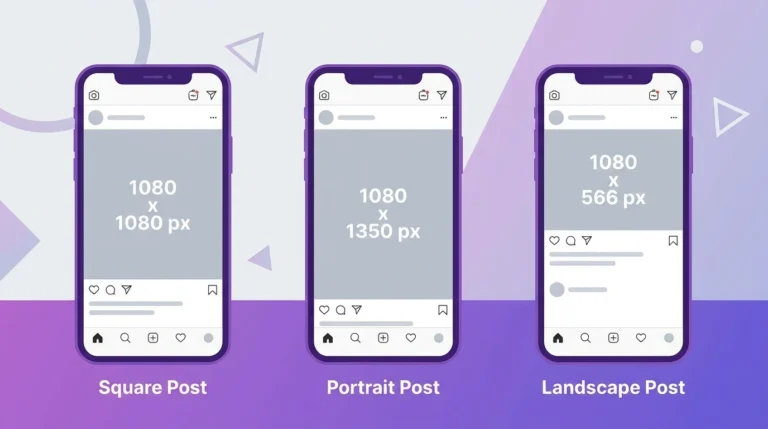
Your profile grid displays all posts as square thumbnails. The Reels cover photo will be cropped to a square in grid view. Center your subject within the frame to ensure the most important part of your cover remains visible.
Recommended Cover Photo Dimensions
| Specification | Value |
|---|---|
| Full cover size | 1080 x 1920 px |
| Aspect ratio | 9:16 |
| Grid thumbnail crop | Center square |
| Recommended format | JPEG or PNG |
If you upload a custom cover image, use these dimensions for the best result. Images that do not match the 9:16 ratio will be cropped automatically.
Frequently Asked Questions
Can I upload a photo as a Reel cover that is not a frame from the video?
Yes. During the cover selection step, tap Add from camera roll to upload any image from your device as the cover photo. This lets you use a professionally designed thumbnail instead of a video frame.
Will changing my Reel cover photo affect views or reach?
Changing your cover photo does not reset your Reel’s view count or engagement. It only updates the thumbnail displayed on your profile and in the Reels tab.
Why does my Reel cover look different on my grid versus the Reels tab?
Your profile grid displays a square crop of your cover. The Reels tab displays the full 9:16 cover. Design your cover with the center area as the most important zone to account for the grid crop.
Can I set a different cover photo for each reel?
Yes. Every reel can have its own unique cover photo. You set the cover individually during or after posting.
What happens if I do not set a cover photo?
Instagram automatically selects the first frame of your Reel as the default cover. If the first frame is not representative of your content, it is worth selecting a better frame or uploading a custom image.
Conclusion
Your Instagram Reels cover photo is the first thing people see when they visit your profile. Taking a few extra seconds to choose a clear, well-framed cover or uploading a custom thumbnail makes a real difference in how your profile looks and how often users tap on your Reels.
For a complete overview of Instagram Reels, visit our Complete Instagram Reels Guide.