Instagram Image Resolution: How to Keep Your Photos Sharp
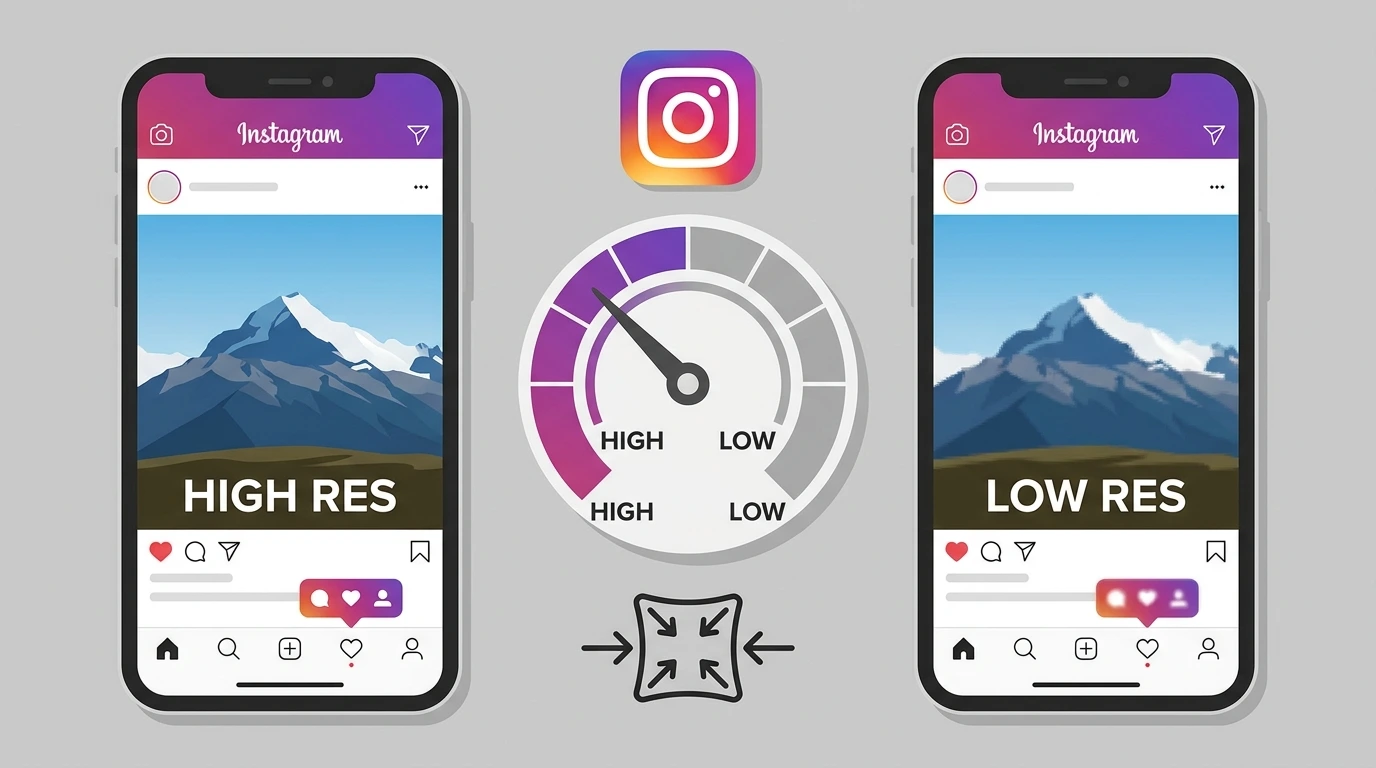
Resolution determines how much detail your image contains and how sharp it looks when displayed. Instagram compresses all uploaded images, which can reduce quality, but uploading at the correct resolution minimizes this effect and keeps your photos looking good on screen.
What Resolution Means for Instagram Posts
Resolution is typically measured in pixels per inch (PPI) or dots per inch (DPI) for print. For Instagram, what matters most is the total pixel dimensions of your image specifically its width in pixels rather than PPI.
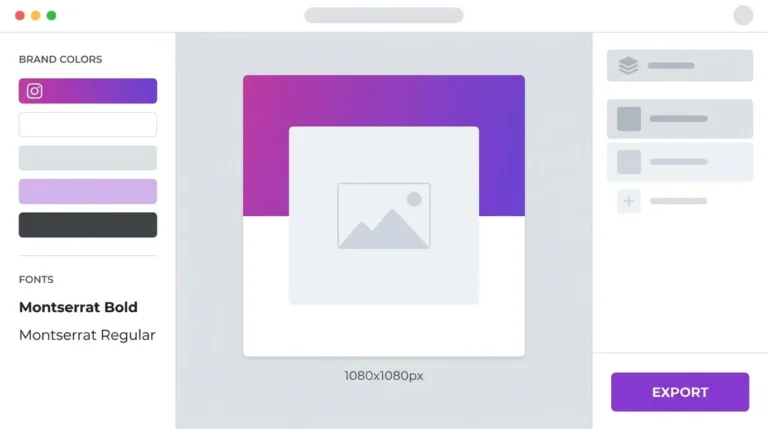
Instagram displays feed posts at a maximum width of 1080 pixels. Uploading at exactly 1080 pixels wide gives you the best quality output after Instagram’s compression is applied.
Recommended Resolution for Instagram Posts
| Post Type | Width | Height | Notes |
|---|---|---|---|
| Square | 1080 px | 1080 px | Best for grid consistency |
| Portrait | 1080 px | 1350 px | Best for feed visibility |
| Landscape | 1080 px | 566 px | Use for wide-frame content. |
| Reels / Stories | 1080 px | 1920 px | Full vertical screen |
Upload all images at 72 PPI. This is the standard screen resolution. Higher PPI settings do not improve Instagram display quality because screens measure in pixels, not print dots.
How Instagram Compresses Images
Instagram applies automatic compression to every image uploaded to its platform. This compression reduces file size for faster loading but can introduce visible quality loss particularly in images with fine details, subtle gradients, or text.
To redloss,the impact of compression:
- Upload images at exactly 1080 pixels wide, not larger, not smaller
- Use JPEG format with a quality setting of 80 to 90 percent when exporting
- Avoid excessive post-processing that introduces noise or artifacts before uploading
- For images with text or sharp graphics, use PNG format to preserve edge sharpness
Why Instagram Photos Look Blurry
The most common reasons for blurry Instagram photos are:
- Image too small: Instagram stretches undersized images, which reduces sharpness
- Over-compression on export: Exporting at very low quality before uploading compounds Instagram’s own compression
- Wrong format: Some editing apps export at lower quality by default
- Slow upload connection: A poor connection during upload can sometimes result in a lower-quality version being saved
If your photos consistently look blurry on Instagram, check your export settings and make sure you are uploading at 1080 pixels wide.
Frequently Asked Questions
Does uploading a higher-resolution image improve Instagram photo quality?
Not significantly. Instagram resizes images down to 1080 pixels wide on upload. Starting above 1080 pixels does not improve the final display quality and results in a larger file that takes longer to upload.
Should I upload Instagram photos at 72 DPI or 300 DPI?
Use 72 DPI. This is the standard screen resolution. 300 DPI is for print. Uploading at 300 DPI does not improve how the image looks on Instagram the platform only uses pixel dimensions, not print DPI.
Why do my Instagram photos look sharper on desktop than on mobile?
Screen resolution varies between devices. High-definition mobile screens may display compression artifacts more visibly than standard desktop monitors. Uploading at 1080 pixels wide is the best way to ensure consistent quality across devices.
Does Instagram reduce image quality over time?
Instagram does not reduce the quality of already-uploaded images over time. The compression is applied once during upload.
What is the best file format for Instagram images?
JPEG works best for photographs. PNG works best for graphics, illustrations, and images containing text. Both formats are fully supported by Instagram.
Conclusion
For sharp Instagram photos, upload at 1080 pixels wide, export as JPEG at 80 to 90 percent quality or as PNG for graphics, and set your resolution to 72 PPI. These settings give you the best possible result after Instagram’s compression is applied.
For full Instagram size and dimension specifications, visit our Instagram Image & Post Size Guide.