How to Reactivate Your Instagram Account
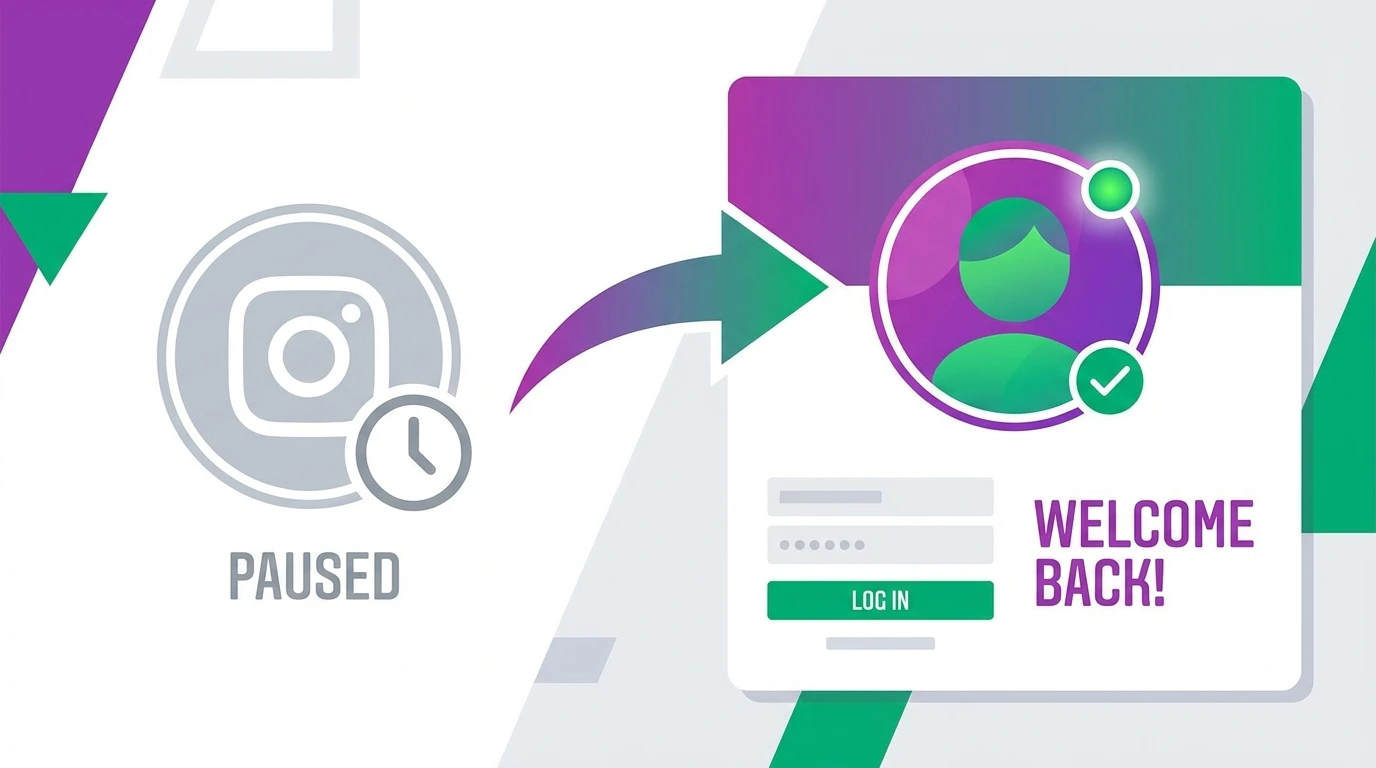
If you previously deactivated your Instagram account and are ready to return, reactivation is simple. There are no forms to fill out and no waiting periods. Logging back in is all it takes.
This guide explains the reactivation process, what is restored to your account, and what to do if you run into problems logging back in.
What Happens When You Reactivate Instagram
When you log back into a deactivated Instagram account, the following is restored immediately:
- Your profile becomes visible to other users
- All your posts, reels, and stories highlights reappear
- Your followers and following list is fully restored
- Your comments, likes, and activity history return
- Your direct message conversations are accessible again
Nothing is permanently lost during deactivation. Your account returns to exactly the state it was in before you deactivated it.
How to Reactivate Your Instagram Account on Mobile
Steps:
- Open the Instagram app on your phone
- Enter your username or email address and password on the login screen
- Tap Log in
Your account is reactivated immediately. No additional steps are required.
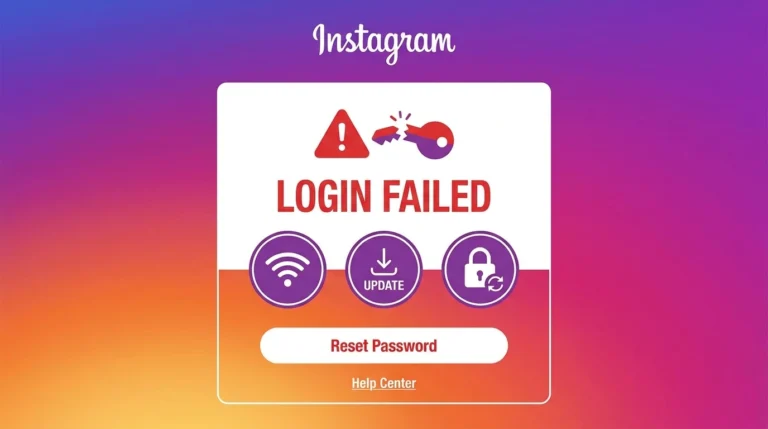
If Instagram does not recognize your credentials, use the Forgot password? option to reset your password and proceed.
How to Reactivate Your Instagram Account on Desktop
Steps:
- Open a browser and go to instagram.com
- Click Log in
- Enter your username or email and password
- Click Log in
Your account is restored instantly upon successful login. Your profile becomes publicly visible again as soon as you are logged in.
What to Do If You Cannot Reactivate Your Instagram Account
Forgot Your Password
If you cannot remember your password, reset it using the recovery option on the login screen.
- Tap or click Forgot password?
- Enter your username, email address, or phone number
- Follow the instructions sent to your email or phone
- Create a new password and log in
For complete instructions, see our guide on How to Change Your Instagram Password.
Lost Access to Your Email or Phone
If you no longer have access to the email address or phone number linked to your account, Instagram provides alternative recovery options, including linked Facebook account access and identity verification.
For full recovery instructions, see our guide on How to Recover an Instagram Account.
Account Was Disabled by Instagram
If Instagram disabled your account for a policy violation, logging in will not reactivate it. A disabled account requires a separate appeal process.
When you attempt to log in, Instagram will display a message indicating the account has been disabled. Follow the on-screen instructions to submit an appeal. For complete information on the appeal process, see our guide on Instagram Account Disabled.
Frequently Asked Questions
How long does it take to reactivate an Instagram account?
Reactivation is immediate. Your account is fully restored the moment you log back in successfully.
Can I reactivate my Instagram account after a long time?
Yes. Instagram does not automatically delete deactivated accounts due to inactivity in most cases. You can return and reactivate even after months of deactivation by simply logging back in.
Will my followers know when I reactivate my account?
Instagram does not send notifications to your followers when you reactivate. Your profile simply becomes visible in searches and feeds again.
Why is my profile not showing up after I reactivated it?
There may be a short delay before your profile becomes fully visible in searches and suggested accounts. This typically resolves within a few minutes to a few hours.
Can I reactivate my account if I deleted it instead of deactivating it?
If you deleted your account and the 30-day grace period has not yet passed, you can log back in to cancel the deletion. If the grace period has passed, the account is permanently deleted and cannot be recovered.
Conclusion
Reactivating a deactivated Instagram account takes only a moment. Log in with your username and password, and your profile, posts, followers, and all activity are restored immediately. If you encounter login problems during reactivation, use the password reset option or refer to our recovery guides for additional help.
For a complete overview of all account management options, visit our Complete Guide to Managing Your Instagram Account.