Instagram Account Hacked: What to Do Right Now
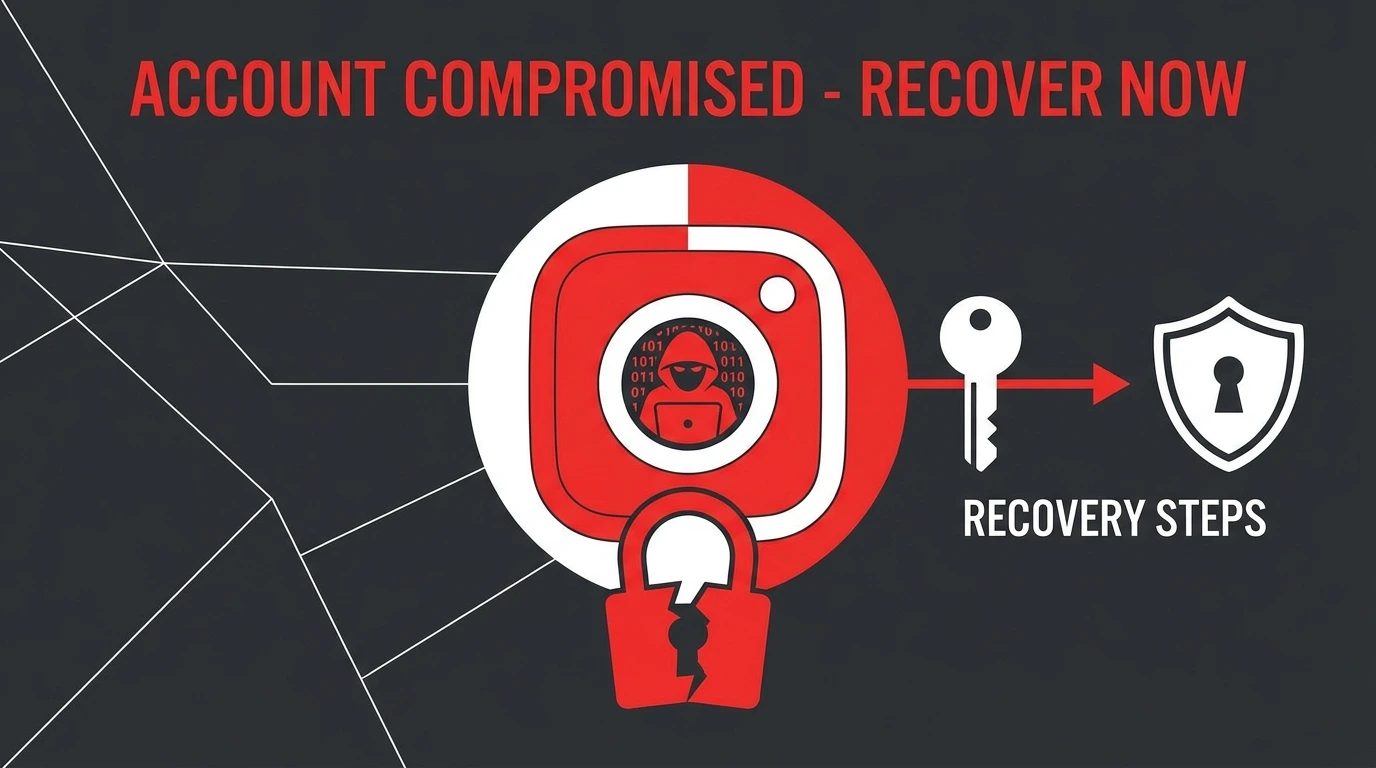
If your Instagram account has been hacked, speed is critical. The longer an attacker has access to your account, the more damage they can cause, changing your login details, posting harmful content, messaging your followers, or locking you out permanently.
This guide walks you through exactly what to do, in the right order, to recover your account and secure it against further attacks.
Signs Your Instagram Account Has Been Hacked
Watch for these warning signs that indicate unauthorized access:
- You received a security email from Instagram about a login from an unrecognized device or location
- Your email address or password has been changed without your knowledge
- Posts, stories, or messages were sent from your account that you did not create
- Your profile photo, bio, or username was changed without your input
- You are suddenly logged out and cannot log back in
- Your followers received messages from your account that you did not send
If you notice any of these signs, begin the recovery process immediately.
Immediate Steps to Take When Your Account Is Hacked
Step 1: Check Your Email for a Security Alert
When account information is changed on Instagram, the platform sends an automatic security email to the original email address linked to the account.
Open your email inbox and look for a message from Instagram or Meta with a subject line about a recent account change.
If you find this email, it typically contains an option to undo the change or report that this was not me. Tap this option immediately. This can reverse the attacker’s changes and restore your access before they fully lock you out.
Step 2: Try to Log In and Change Your Password
If you can still log in to your account:
- Immediately go to Settings and privacy
- Navigate to Accounts Center > Password and security
- Select Change password
- Create a strong, unique password that you have not used before
- Also update the email address on your account if it has been changed
After securing your password, review your login activity and log out of all other sessions.
Step 3: Use Instagram’s Hacked Account Recovery
If you cannot log in because your password or email has already been changed by the attacker:
- Open Instagram and tap Forgot password?
- Enter your username or the original email address
- Tap Need more help? or Get more help
- Select “My account was hacked” or follow the on-screen prompts
- Instagram will guide you through the identity verification process
Step 4: Verify Your Identity
Instagram may require you to verify your identity before restoring access. This can include:
- Video selfie verification: Recording a short video selfie that Instagram compares to photos on your profile
- Email verification: Receiving a code at a backup email address
- Phone verification: Receiving a code via SMS to your linked phone number
- Photo ID submission: Uploading a government-issued ID in more complex cases
Complete the verification process promptly and accurately. Incomplete or inconsistent submissions can delay recovery.
How to Secure Your Account After Recovery
Once you have regained access, take these steps immediately to secure your account:
Change your password: Create a new strong password that is unique to Instagram.
Enable two-factor authentication: Go to Settings > Accounts Center > Password and security > Two-factor authentication. Use an authentication app rather than SMS for stronger protection.
Review login activity: Go to Password and security > Where you’re logged in. Remove any sessions from unrecognized devices.
Revoke third-party app access: Go to Settings > Apps and websites. Remove any apps you do not recognize or no longer use.
Update your linked email address: Make sure your recovery email is current and one that only you can access.
Check your profile for changes: Review your username, bio, profile photo, and linked accounts to ensure nothing unauthorized remains.
For a complete guide on account security, see our article on How to Secure Your Instagram Account.
How to Prevent Your Instagram Account from Being Hacked
Use a strong, unique password: Never reuse passwords from other platforms. Use a combination of uppercase letters, lowercase letters, numbers, and symbols.
Enable two-factor authentication: This single step makes it significantly harder for attackers to access your account even if they have your password.
Be cautious with third-party apps: Only grant account access to apps you fully trust. Revoke permissions from apps you no longer use.
Avoid phishing links: Do not click links in DMs or emails claiming to be from Instagram unless you can verify the source. Instagram will never ask for your password via email or DM.
Use a secure email address: Your recovery email should have its own strong password and two-factor authentication enabled.
Monitor login activity regularly: Check your active sessions periodically and remove any that appear unfamiliar.
Frequently Asked Questions
What should I do first if my Instagram account is hacked?
Check your email immediately for a security alert from Instagram. If you find one, use the link in that email to reverse the changes before the attacker completes the takeover.
Can Instagram restore my account if it was hacked?
Yes. Instagram has a dedicated recovery process for hacked accounts. The process involves identity verification, which may include a video selfie or email confirmation.
How long does it take to recover a hacked Instagram account?
Recovery times vary. If you can use the security email link, restoration can happen within minutes. Manual identity verification typically takes one to several business days.
Will the hacker be able to see my DMs?
If the attacker had access to your account, they may have been able to view your messages during that period. After recovery, change your password and enable two-factor authentication to prevent further access.
Should I report the hack to anyone other than Instagram?
If the attack involved financial fraud or identity theft, consider reporting it to your local consumer protection agency or cybercrime reporting authority in addition to contacting Instagram.
Conclusion
A hacked Instagram account requires fast, methodical action. Start with your email inbox, attempt to log in and reset your password, and use Instagram’s dedicated hacked account recovery process if needed. Once access is restored, secure your account thoroughly to prevent it from happening again.
For additional security guidance, see our article on How to Secure Your Instagram Account.
For a full overview of account management options, visit our Complete Guide to Managing Your Instagram Account.