
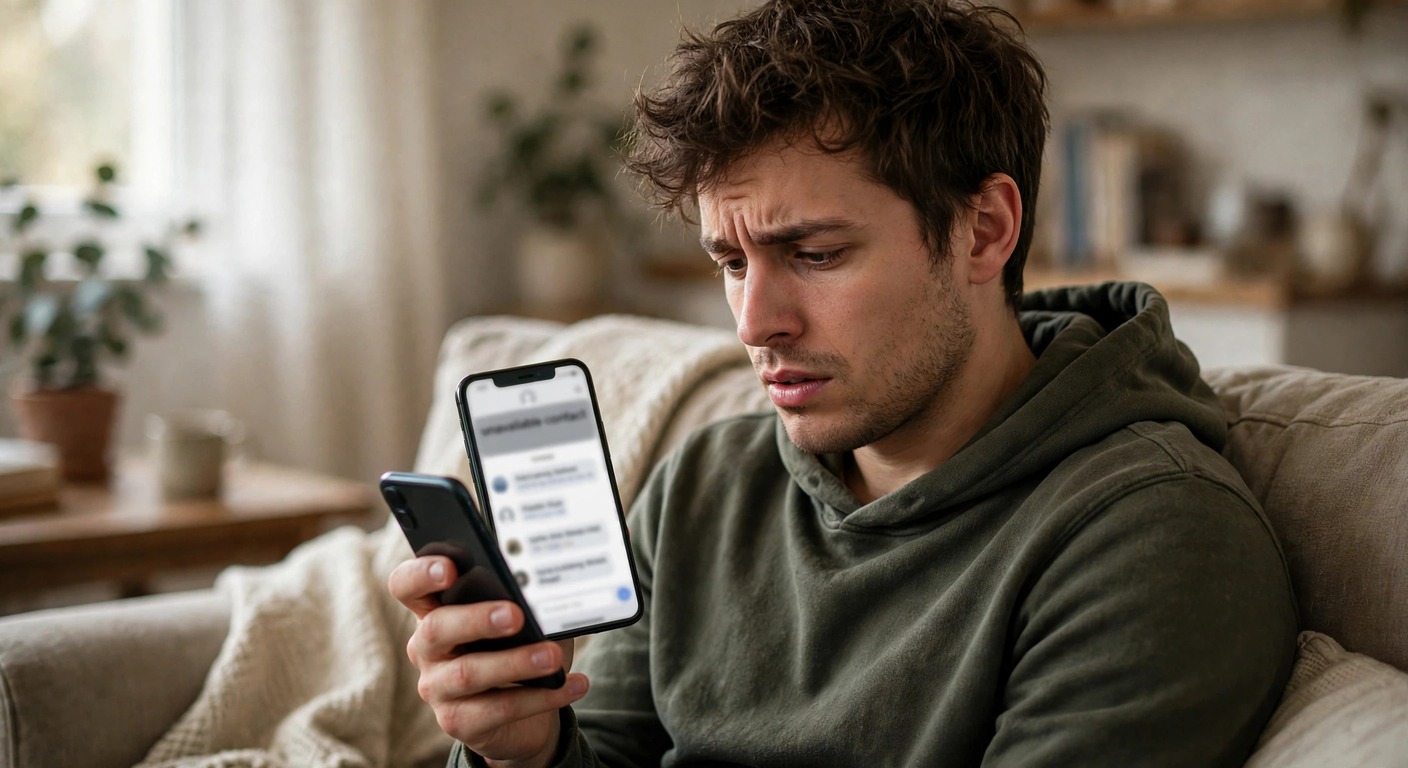
This Person Is Unavailable on Messenger: What It Means and How to Fix It
If you see “this person is unavailable on Messenger” when you open a chat or try to send a message, it means Messenger cannot deliver your message to that person right now. In most cases, the person has blocked you, deactivated or deleted their Facebook account, or their account is temporarily restricted. Less often, the problem is on your side, such as an outdated app, a bad connection, or a Messenger outage. If you are facing other Messenger issues, the Facebook Messenger problems hub covers the common fixes in one place.
This guide explains what the message really means, how to tell which cause applies to you, and 9 checks and fixes you can try today.
What Does “This Person Is Unavailable on Messenger” Mean?
The message is Messenger’s way of saying that the chat is closed for sending. You can usually still see your old messages in the conversation, but the message box at the bottom is gone or your messages will not send. It does not always mean the same thing, so the exact cause matters before you try to fix it.
The most common meaning is that the other person blocked you or their account is no longer active. A related notice, “this person isn’t receiving messages right now,” is slightly different and usually points to a temporary restriction rather than a permanent block.
Why Does It Say This Person Is Unavailable on Messenger?
1. The person blocked you
Blocking is the most common cause. When someone blocks you on Messenger, your chat shows that they are unavailable, and you cannot send them new messages or call them. Their profile may still appear in other places, but the chat itself is closed. If you suspect a block, the signs on other apps are similar, and our guide on how to tell if someone blocked you on Snapchat explains the same kind of clues in another app.
2. The person deactivated or deleted their account
If the person deactivated their Facebook account, Messenger cannot reach them until they reactivate it. If they deleted their account permanently, the chat stays unavailable for good. In both cases, their profile usually disappears from Facebook search, which is a strong clue that the account itself is gone rather than you being blocked.
3. Their account is restricted or under review
Facebook sometimes restricts an account after suspicious activity or a policy violation. During a restriction, that person may not be able to receive messages, and your chat shows them as unavailable. This type of block is usually temporary and clears on its own once Facebook finishes its review.
4. You blocked them
It is easy to forget, but if you blocked the person yourself, you will see the same unavailable message. Before anything else, check your own block list in Messenger under Settings, Privacy, and Blocked accounts. If their name is there, unblocking them restores the chat, and if you ever need the reverse steps, our guide on how to unblock someone on Snapchat covers the same idea on another platform.
5. A Messenger bug, outage, or connection problem
Sometimes the problem is not the other person at all. A weak connection, an outdated app version, or a Messenger outage can show the same message for one or more chats. If several chats show problems at the same time, the cause is almost certainly on your side or with Messenger itself.
How to Check What Really Happened
Start by searching for the person’s name on Facebook. If their profile has vanished completely, they probably deactivated or deleted their account. If their profile is still visible and active but your Messenger chat is unavailable, a block is more likely.
Next, open Messenger on the web at messenger.com and check the same chat there. If the web version works, your phone app is the problem. If it fails on both, the issue is with the account or the connection between you.
Account access problems can look similar, so if you cannot log in at all, our guide on Discord forgot password walks through the same kind of account recovery thinking. Finally, ask yourself whether you recently argued with the person or sent messages that may have led them to block you, since that context often answers the question faster than any test.
9 Fixes to Try
1. Check your internet connection
Switch between Wi-Fi and mobile data and try sending a message again. A weak or unstable connection can stop Messenger from loading a chat properly and can mimic an unavailable contact.
2. Update the Messenger app
Open the App Store or Google Play, search for Messenger, and install any available update. Older versions can show wrong chat states, and updates often fix these display bugs.
3. Restart your phone
A quick restart clears temporary glitches in the app and your network connection. After restarting, open Messenger and check the chat again before trying anything more advanced.
4. Clear the Messenger cache (Android)
On Android, go to Settings, Apps, Messenger, and Storage, then tap Clear Cache. This removes temporary files without deleting your chats. On iPhone, there is no cache button, so offload the app or reinstall it instead.
5. Log out and log back in
Logging out of Messenger and signing back in refreshes your session and your contact list. If your own account had a sync problem, this often clears it. If you have trouble getting back into your account, the steps in our Gmail account recovery guide explain the same recovery pattern for another service.
6. Try Messenger on the web
Open messenger.com in a browser and sign in. If the chat works there, uninstall and reinstall the Messenger app on your phone, since the app installation itself is faulty.
7. Check for a Messenger outage
Search for recent Messenger outage reports. If many users report problems at the same time, wait for Meta to fix it, since no setting on your phone will help during an outage.
8. Check your block list
Go to Messenger, Settings, Privacy, and Blocked accounts. If the person is on your list, unblock them and the chat should work again right away.
9. Wait 24 hours
If the cause is a temporary restriction on the other person’s account, waiting is the only fix. Check again after a day. If the message is still there after several days and their profile is gone, the account was likely deactivated or deleted.
What You Should Not Do
If someone blocked you, do not try to get around it with a fake account or repeated messages from other accounts. That counts as harassment and can get your own account restricted. Respect the block, and if the conversation matters, reach the person through a normal channel outside Messenger only if you already know them well.
Also, never pay for any tool that claims to unblock you or reveal who blocked you, since these tools are scams and often steal your login details. For official help with Messenger problems, Facebook’s own Messenger help pages are the safest source.
FAQs About This Person Is Unavailable on Messenger
What does this person is unavailable on Messenger mean?
It means Messenger cannot deliver your message to that person right now, usually because they blocked you, deactivated or deleted their account, or their account is temporarily restricted.
Does it always mean I am blocked?
No. A deactivated account, a deleted account, a temporary restriction, or even an app bug or outage can show the same message.
How do I know if someone blocked me or deactivated their account?
Search for them on Facebook. If their profile is gone, the account is likely deactivated or deleted. If their profile is visible but the Messenger chat is unavailable, a block is more likely.
Can I still see their Facebook profile if they blocked me on Messenger?
Sometimes. A Messenger-only block can leave their Facebook profile visible, while a full Facebook block hides their profile from you completely.
What does this person isn’t receiving messages right now mean?
It is a related notice that usually points to a temporary restriction on the other person’s account rather than a permanent block, so it often clears on its own.
How long does unavailable on Messenger last?
It depends on the cause. App bugs and outages clear in hours, temporary restrictions usually clear within a day or two, and a block or deleted account lasts until the person unblocks you or reactivates their account.
Can I fix it if the other person blocked me?
No setting on your phone can undo someone else’s block. Only the other person can unblock you, so the only real fix is to wait or contact them outside Messenger if appropriate.
The “unavailable on Messenger” message is frustrating, but it almost always has a simple explanation. Check their Facebook profile, test the chat on the web, run through the 9 fixes above, and check your own block list.
If the cause is a block or a deleted account, no phone setting will change it, and the honest answer is to accept it and move on. If the cause is on your side, one of these fixes will usually restore the chat within minutes.




One Comment